Skip to content
contact@wiredlinksystems.com Call 248-602-0020

Building Automation Installation in Metro Detroit

A building that adjusts itself. And stops running when nobody’s there.

What you get

Building automation, done right

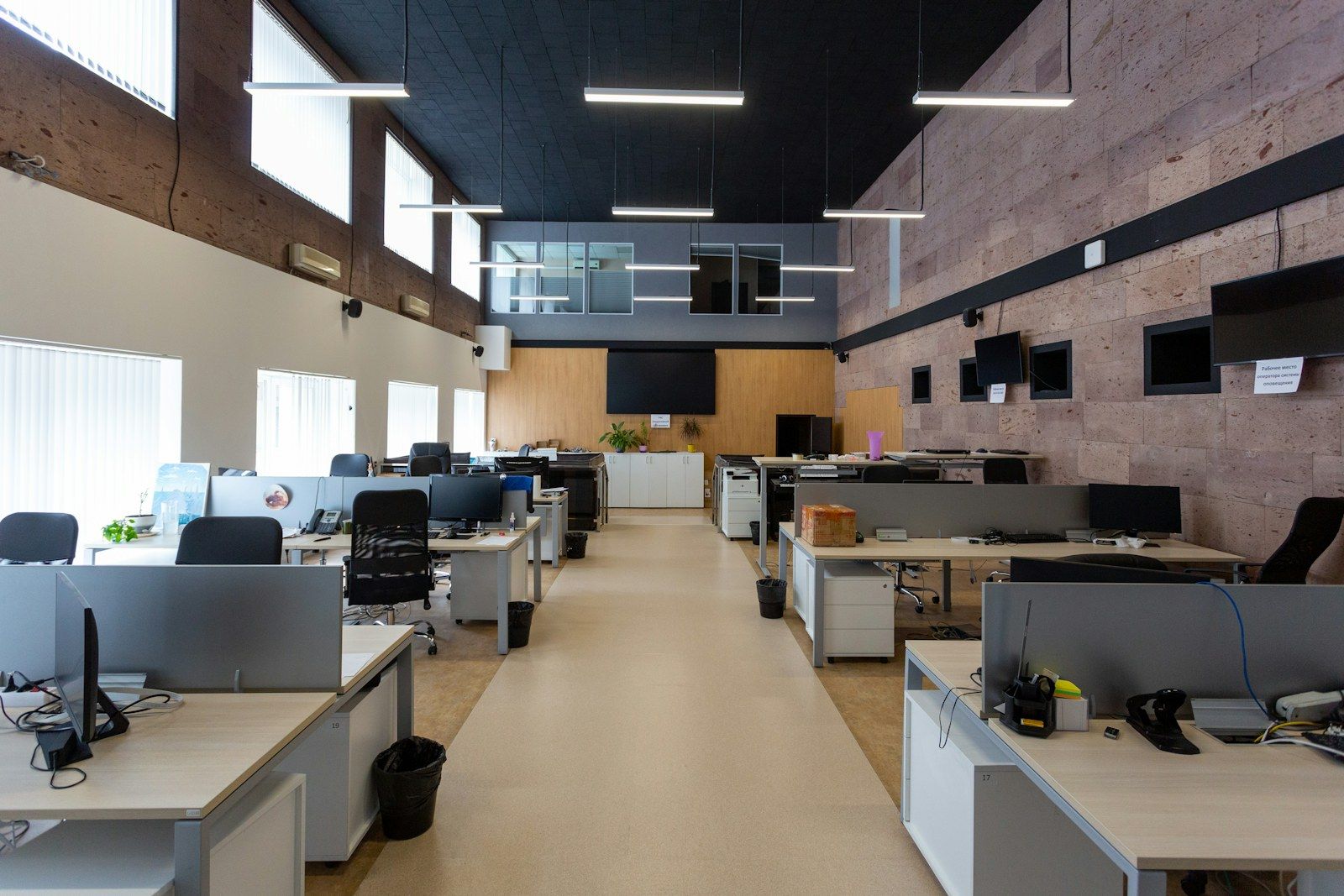
We install lighting control, motorized shades, and climate control for offices, stores, and commercial buildings across Metro Detroit, all on schedules and sensors you can check from your phone or computer.

We walk the building with you and learn how it’s used: when people arrive and leave, which rooms sit empty, and where the sun comes in. Then we place sensors, keypads, and controls so each area does what it should without anyone thinking about it.

We set up the schedules and scenes, test every zone, and show your team how to change a schedule or override it for a late night.

We plan it with you

Every business is different. We walk you through your options, then decide these together.

  • Which areas to control: lights, shades, climate
  • Schedules built around your hours
  • Where sensors turn things on and off
  • Who can make changes, and from where
  • How it fits with the systems you already have

…and anything else your building needs.

How we can help

What are you looking for?

Lighting control

Lights that turn off when the last person leaves

Lights left on in empty rooms, all night and all weekend. We add occupancy sensors, daylight sensors, and schedules, so lights come on when people are there and go off when they’re not.

Ask about lighting control

Motorized shades

Shades that handle the sun so nobody has to

Afternoon glare on every screen and a row of blinds nobody touches. We install motorized shades that raise and lower on a schedule or with the sun, for offices, lobbies, and conference rooms.

Ask about motorized shades

Climate control

Heat and cooling only when someone’s there

Heating an empty building all weekend, then a cold office Monday morning. We install smart thermostats and controls that follow your schedule, so each area is comfortable when people are in and set back when they’re not.

Ask about climate control

Remote control & scheduling

Check on the building from anywhere

Did the lights get turned off? Is the heat set back for the holiday? See and change lights, shades, and climate from your phone or computer, for one building or several.

Ask about remote control & scheduling
What happens next

Not sure where to start? Just reach out.

Never any pressure. Just honest answers and a plan that fits you.

  1. 01

    Reach out

    Call or request a quote and tell us what you want covered at your business.

  2. 02

    We walk the site

    We come out, look at the building with you, and work out exactly what fits your needs.

  3. 03

    You get a clear quote

    A written quote with what we’d install and why, before you sign anything.

The basics

Building automation, explained

What building automation does

Building automation puts the lights, shades, and heat and cooling on schedules and sensors set around your business hours. Things turn on when people arrive and off when they leave, without anyone going room to room. Managers can check and change the whole building from a computer or phone.

Lighting control

Sensors turn lights on when someone walks into a room and off a few minutes after they leave, which works well in restrooms, break rooms, storage, and private offices. Daylight sensors dim the lights near windows when the sun is doing the work. Open areas can run on a schedule, so the lights are on for the workday and off at night.

Motorized shades

Shades can lower when the sun hits a side of the building and rise when it moves on, which cuts glare on screens and keeps rooms from heating up in the afternoon. They can also close at night on a schedule. Nobody has to walk around adjusting them.

Climate control

Heat and cooling run on a schedule that matches when people are actually in the building, with the temperature set back at night, on weekends, and on holidays. Different areas can have different settings. Staff can still adjust within a range you set, so nobody turns the thermostat to the extreme.

Remote control and alerts

From a computer or phone, you can see what’s on, change schedules, and add a holiday closing in a minute. The system can send an alert if something is off, like a room getting too hot or lights left on after hours, so problems get caught early.

Our work

See the work for yourself

Real installs from homes and businesses like yours.

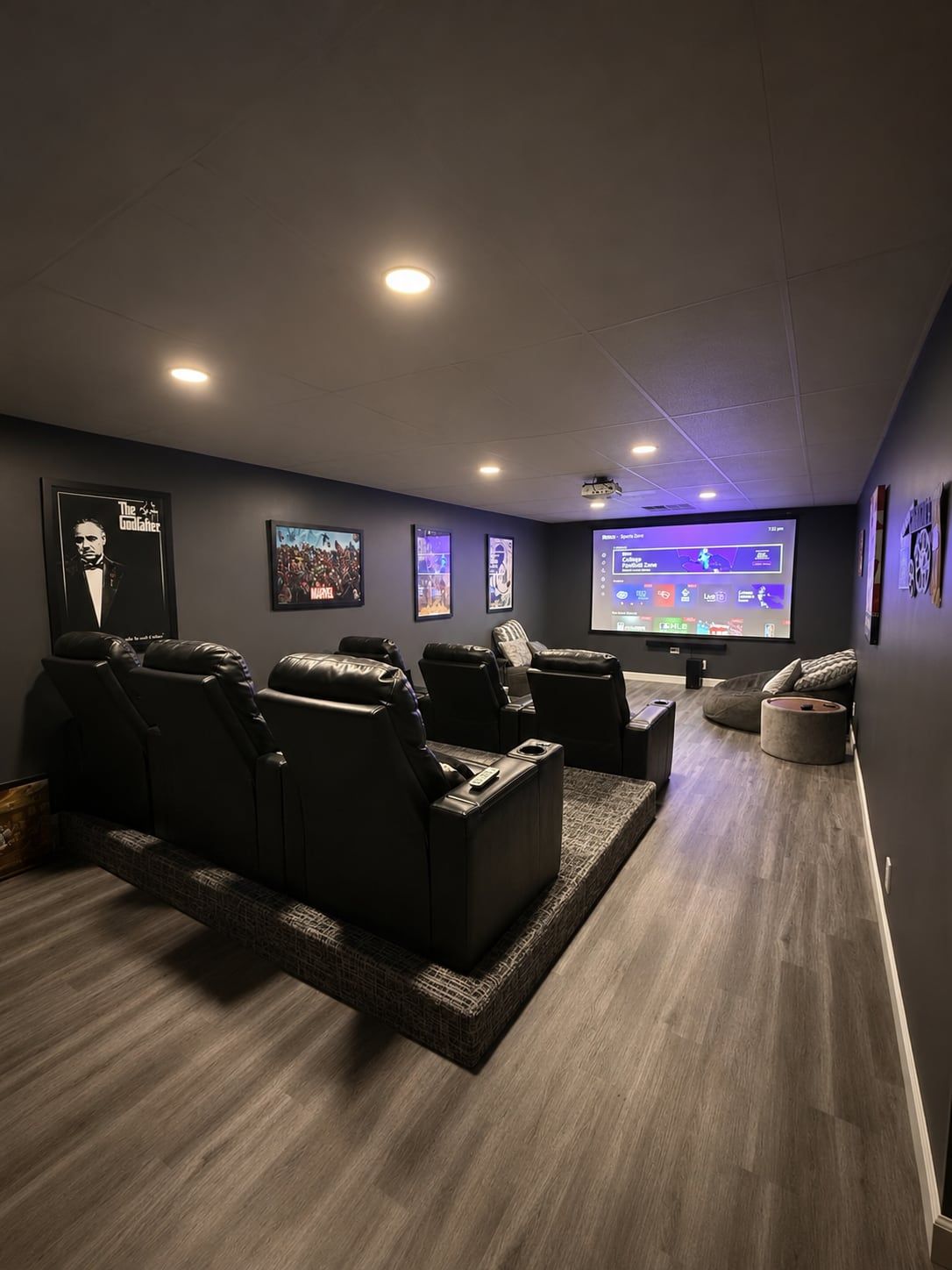
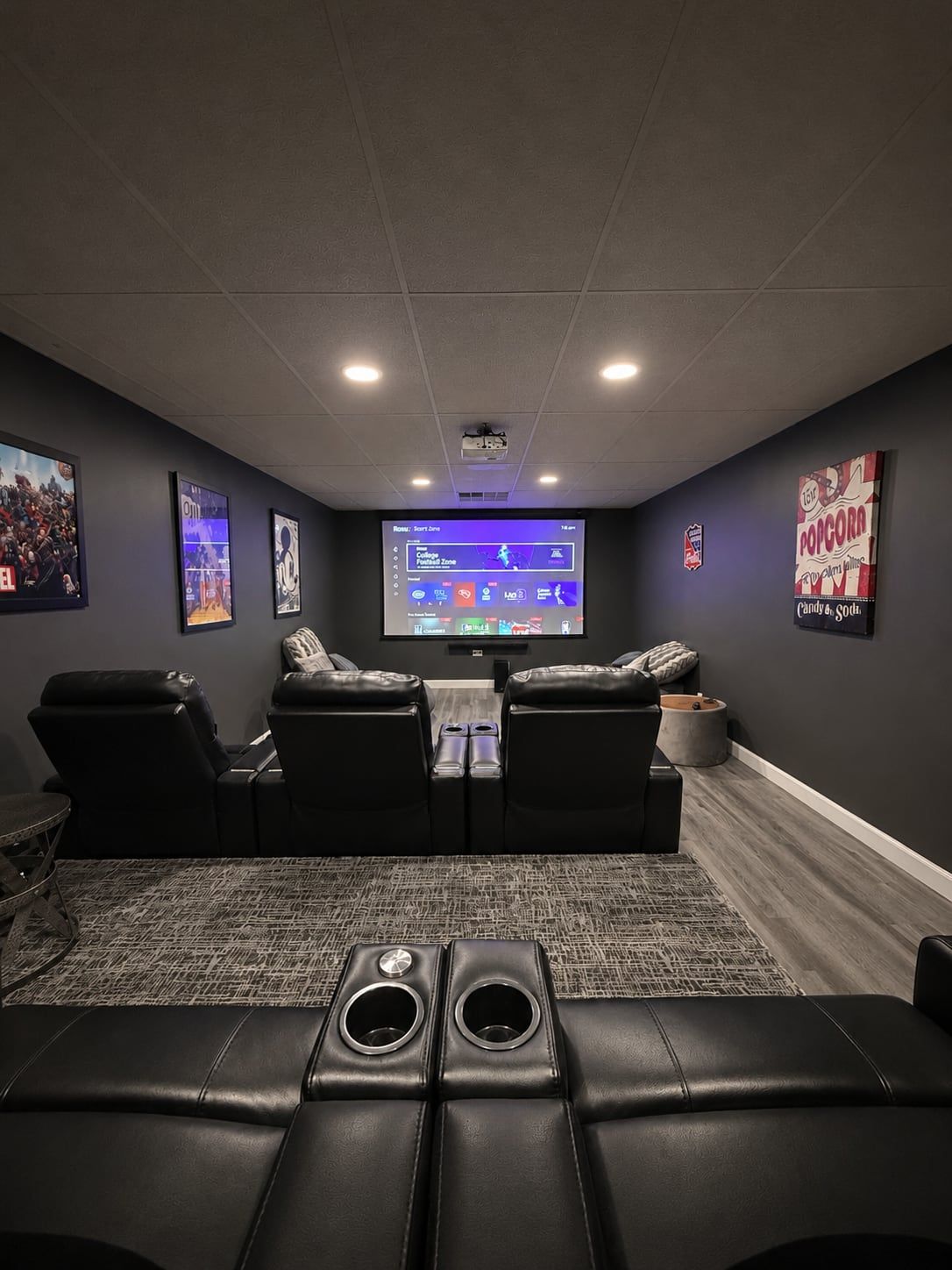
Home theater with projector screen and recliners
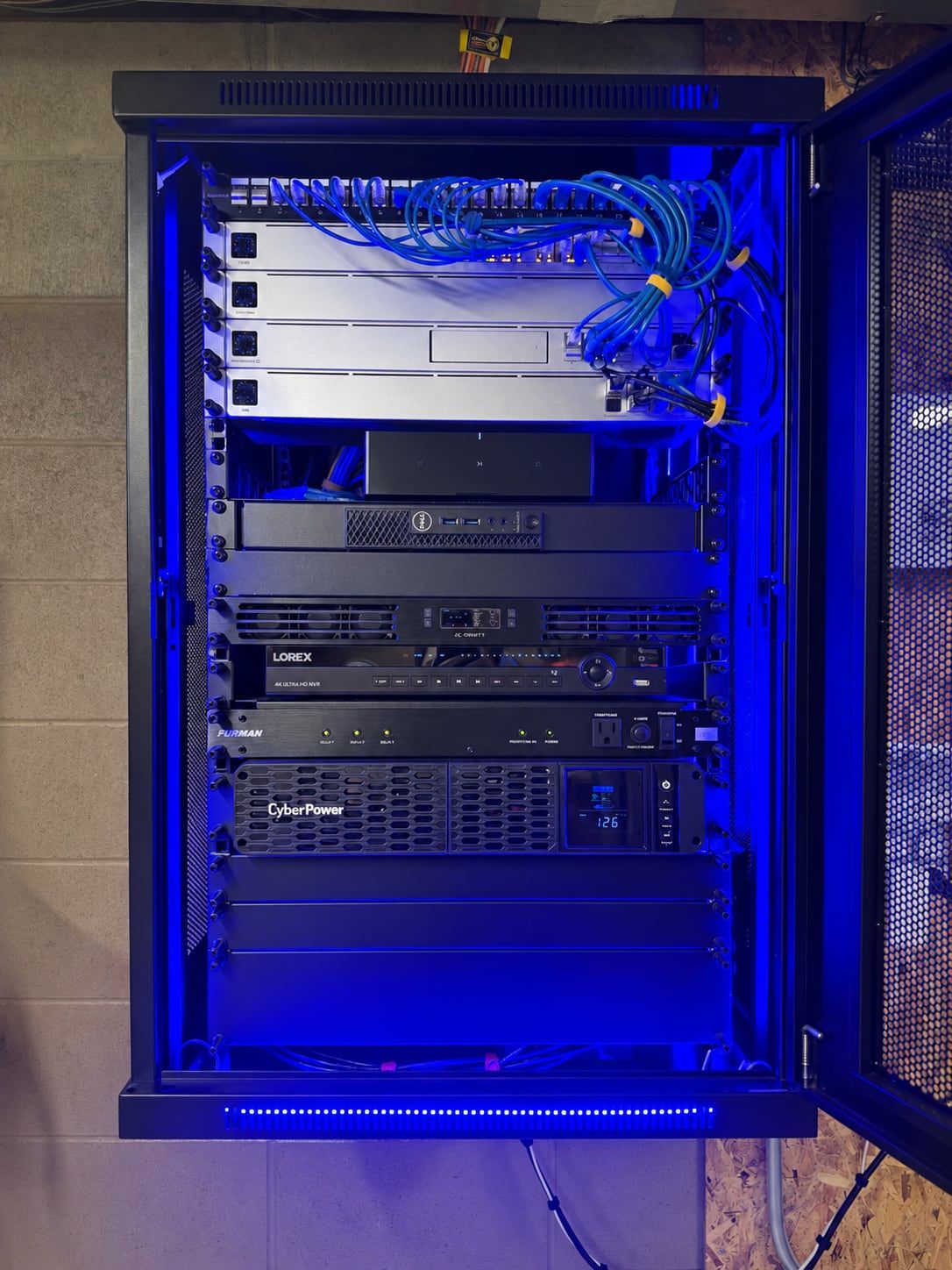
Network rack with patch panel
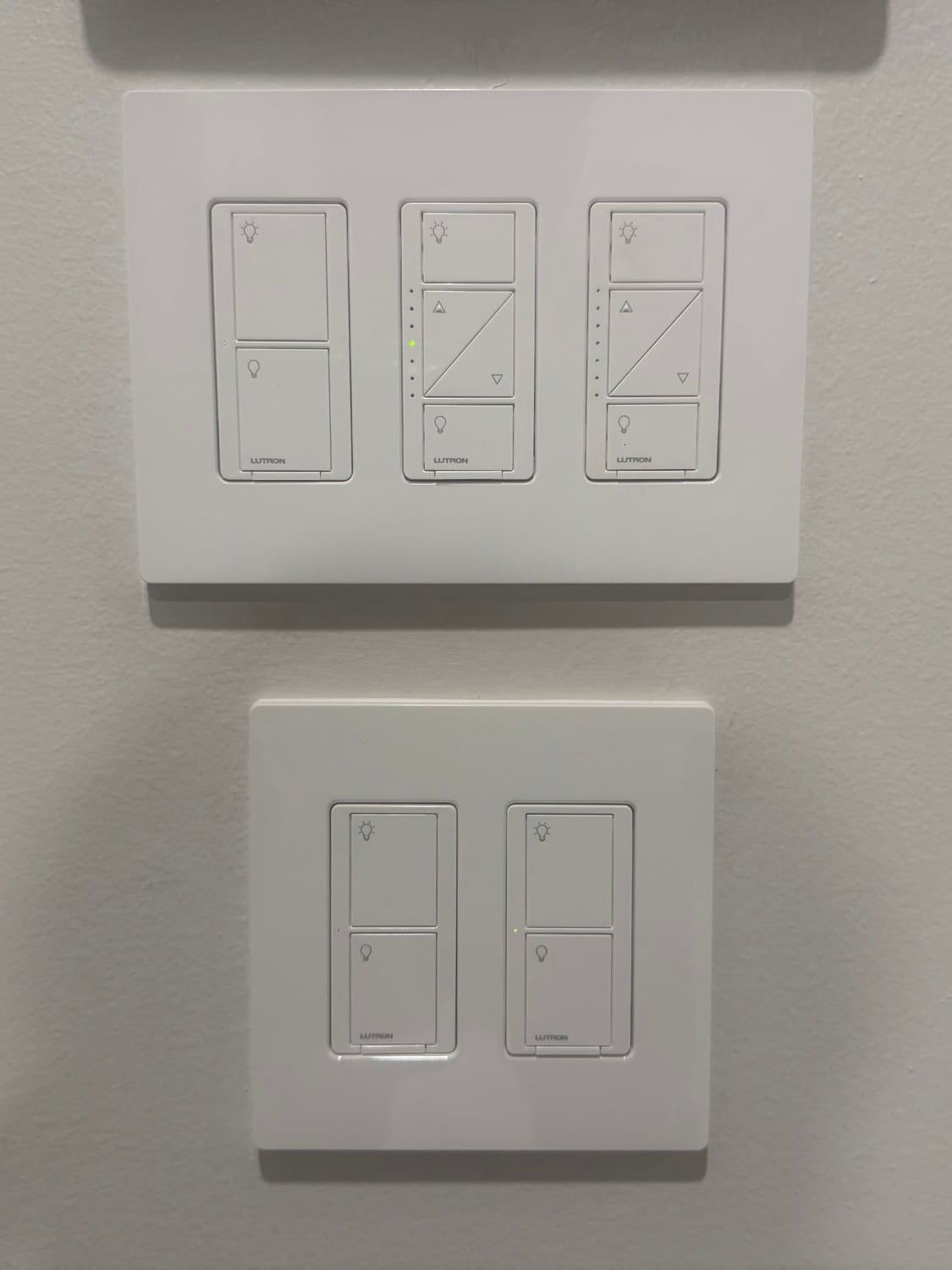
Smart dimmers and light switches
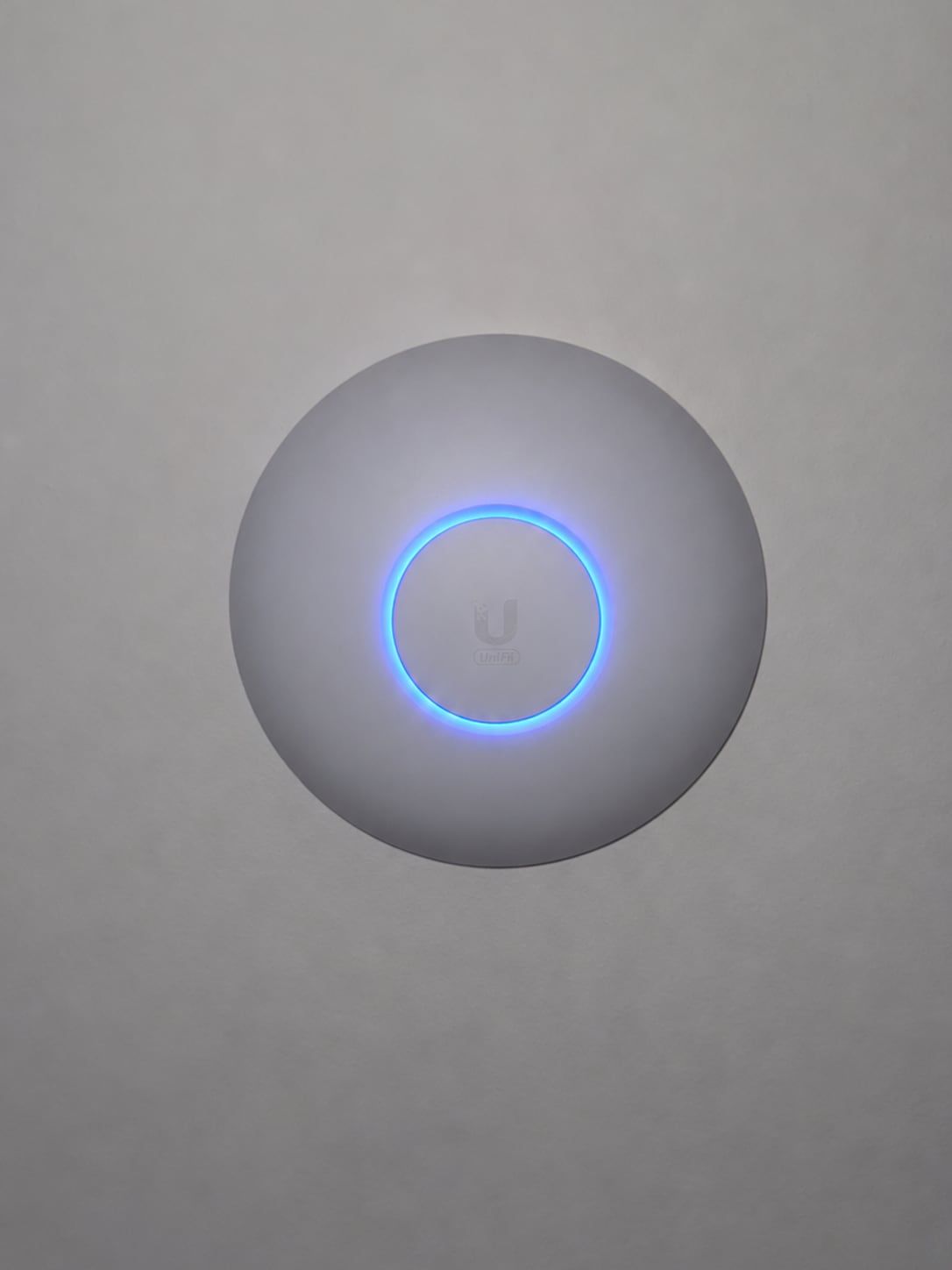
Ceiling Wi-Fi access point
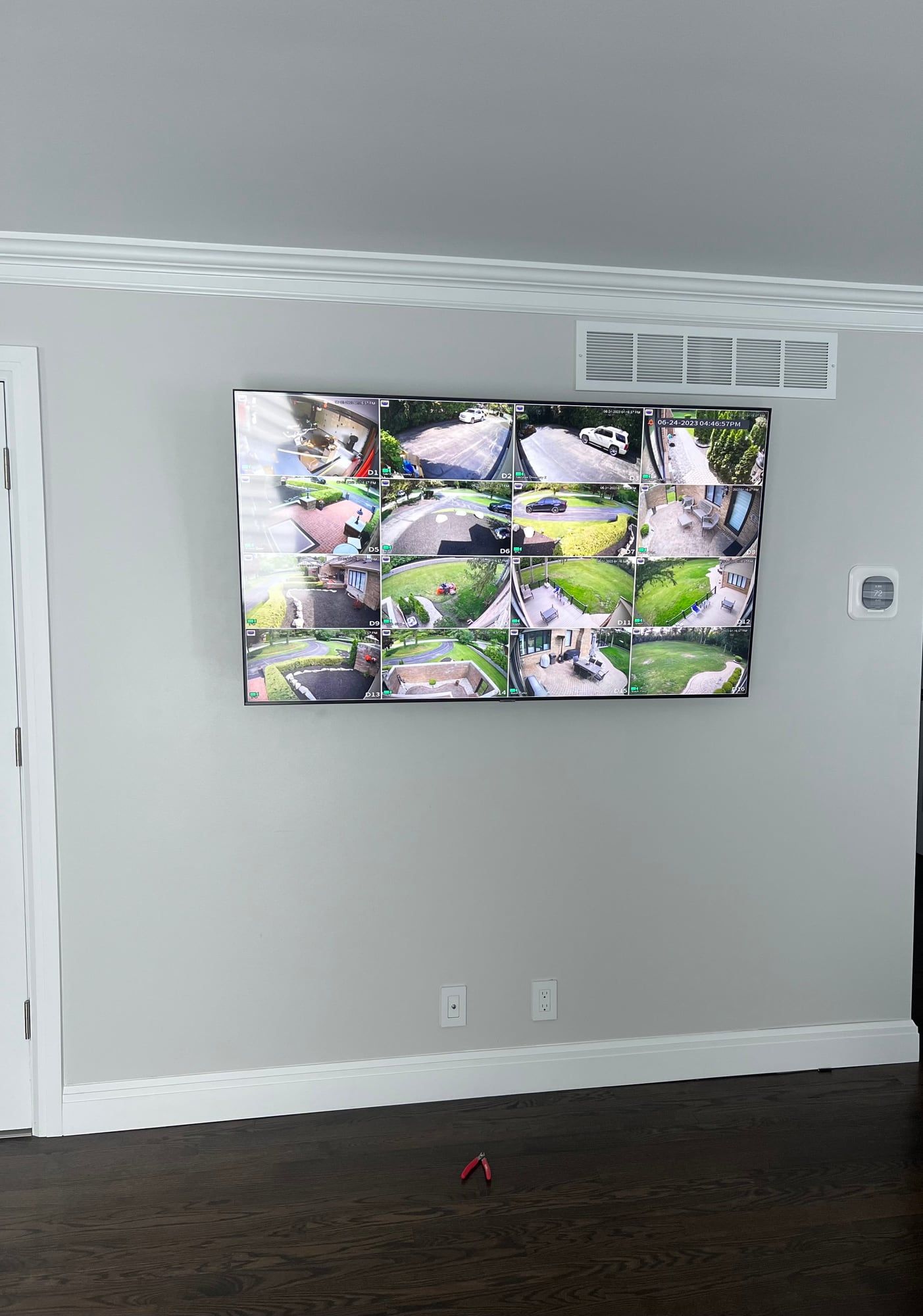
Wall-mounted TV showing security cameras
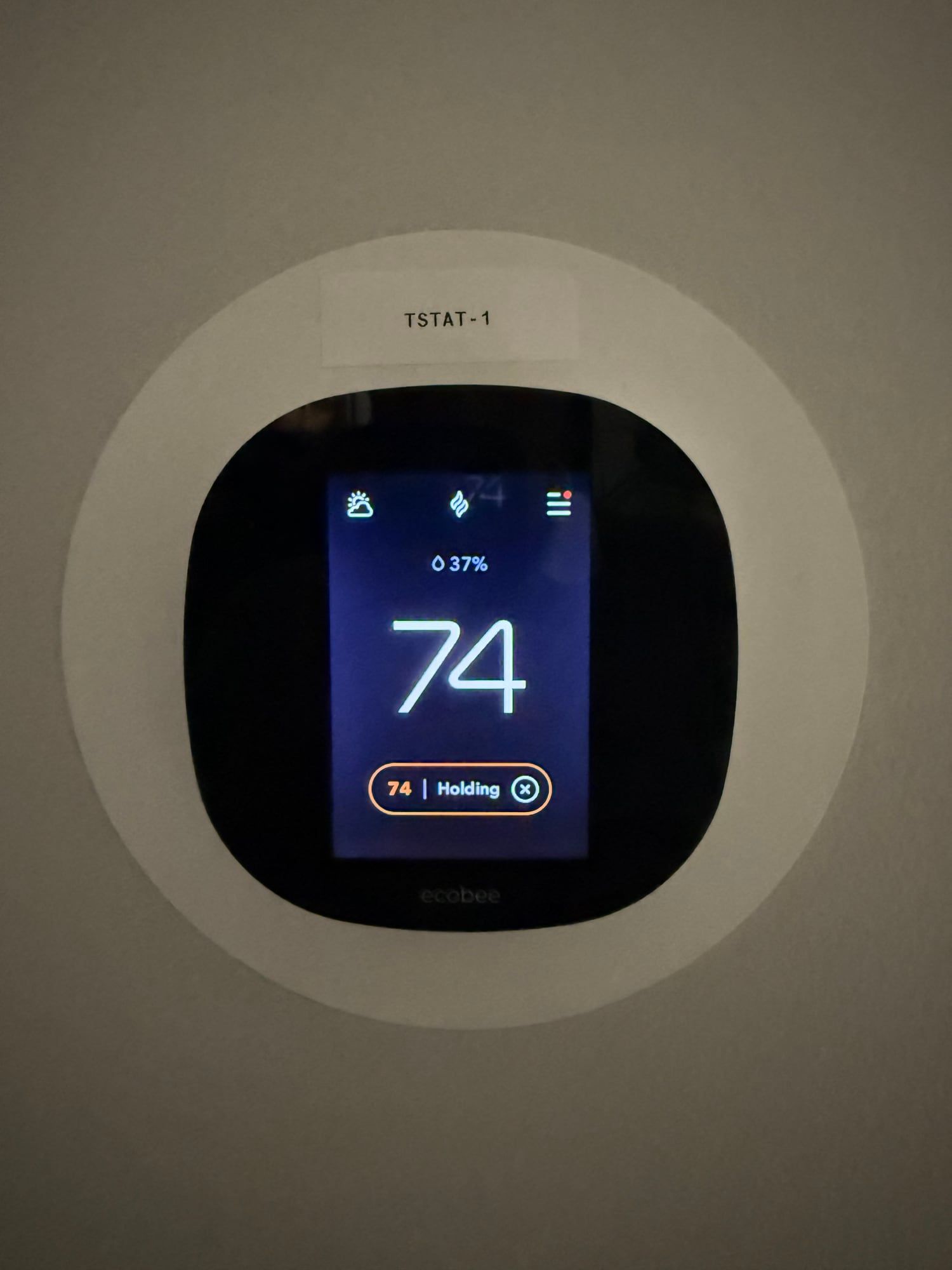
Smart thermostat
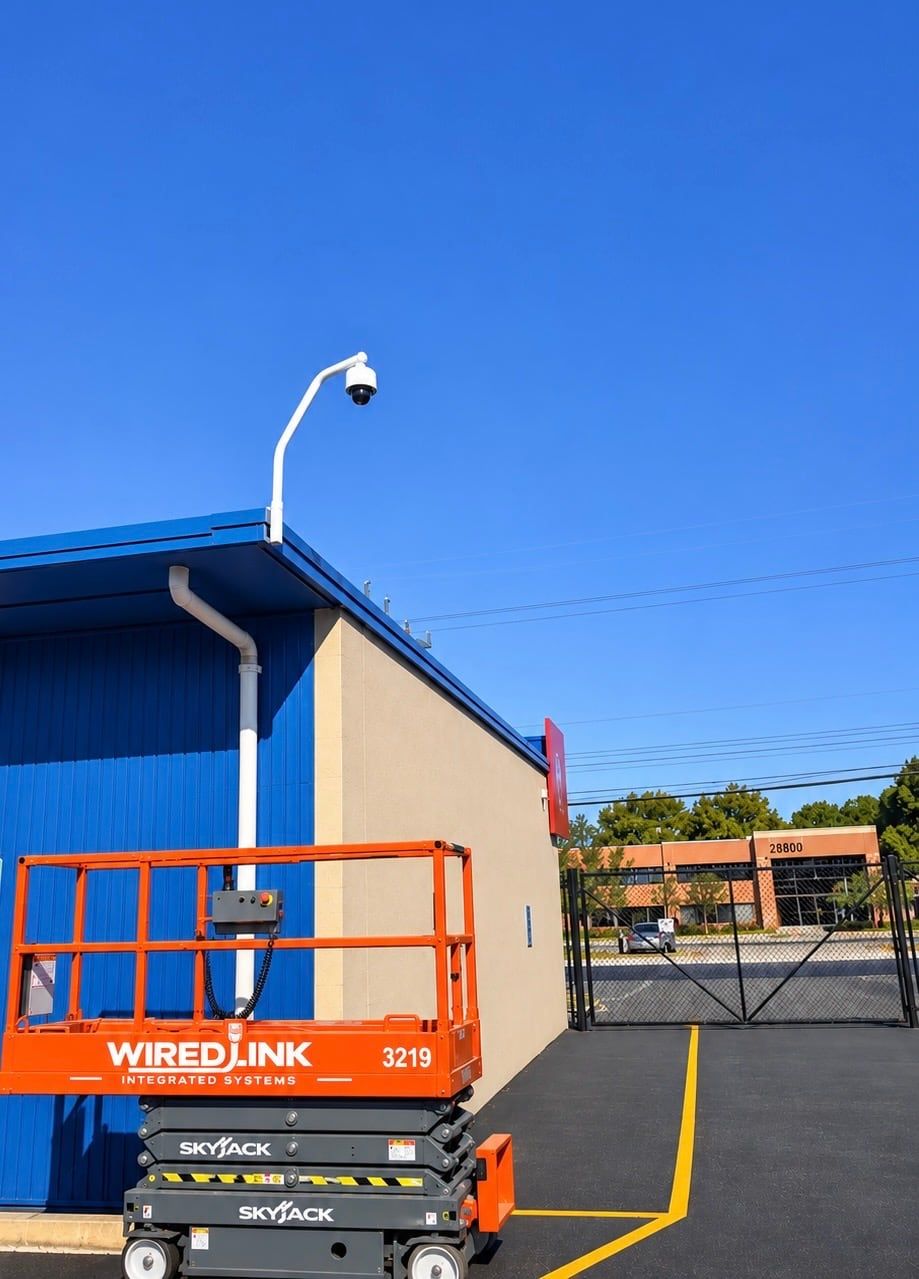
Business security camera on a pole
Home theater seating and projector
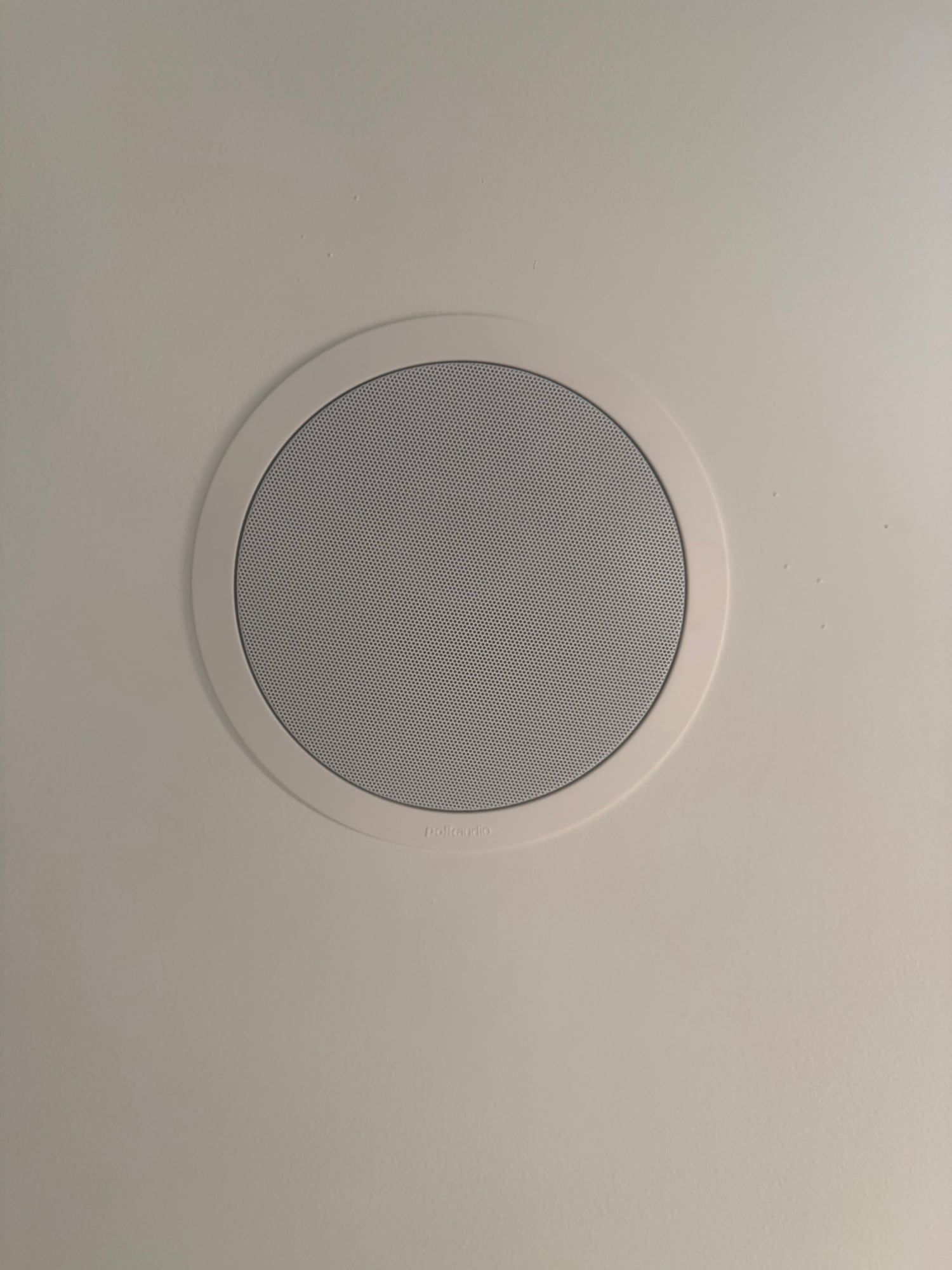
Built-in speaker
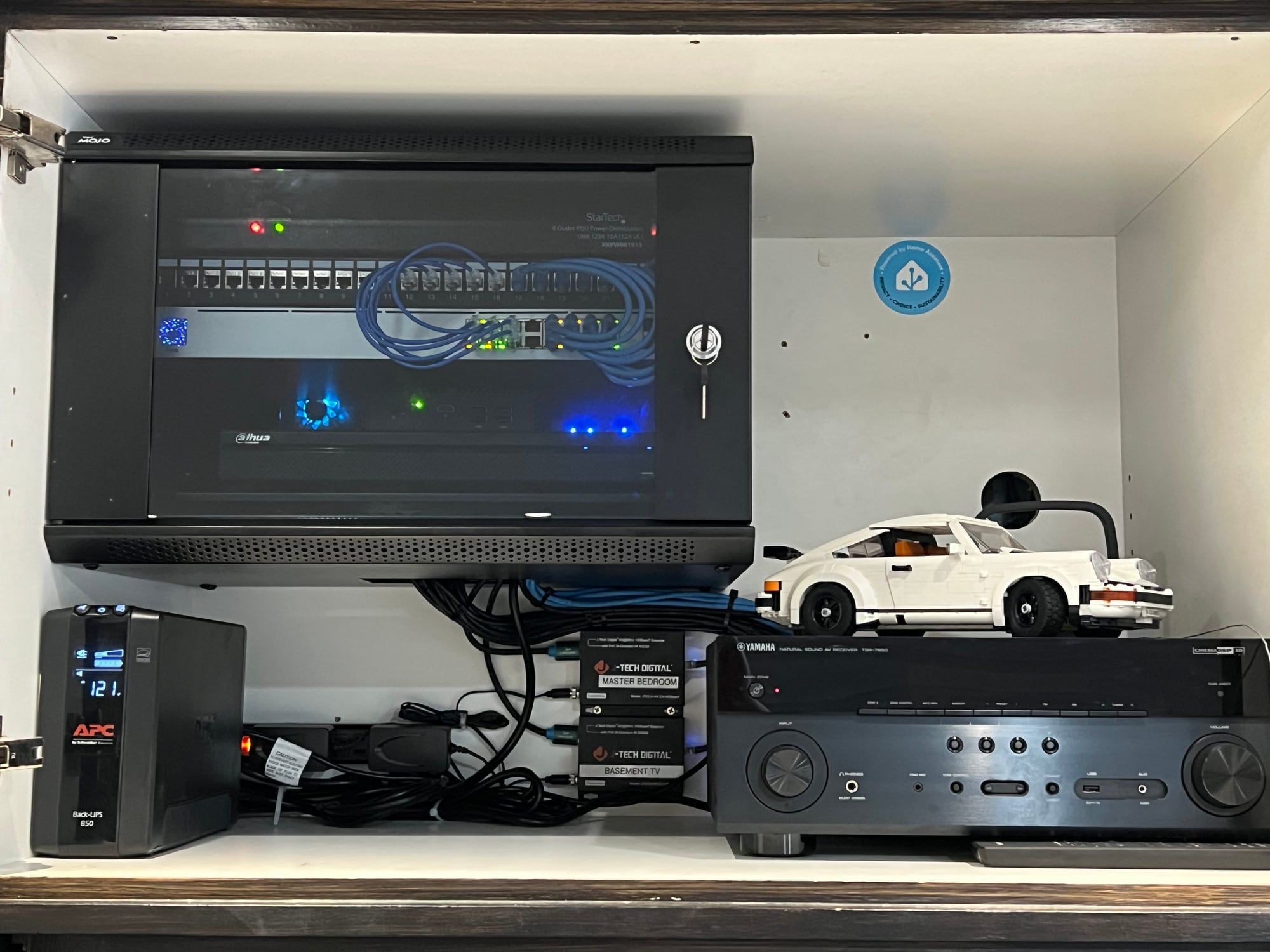
Network cabinet and audio equipment
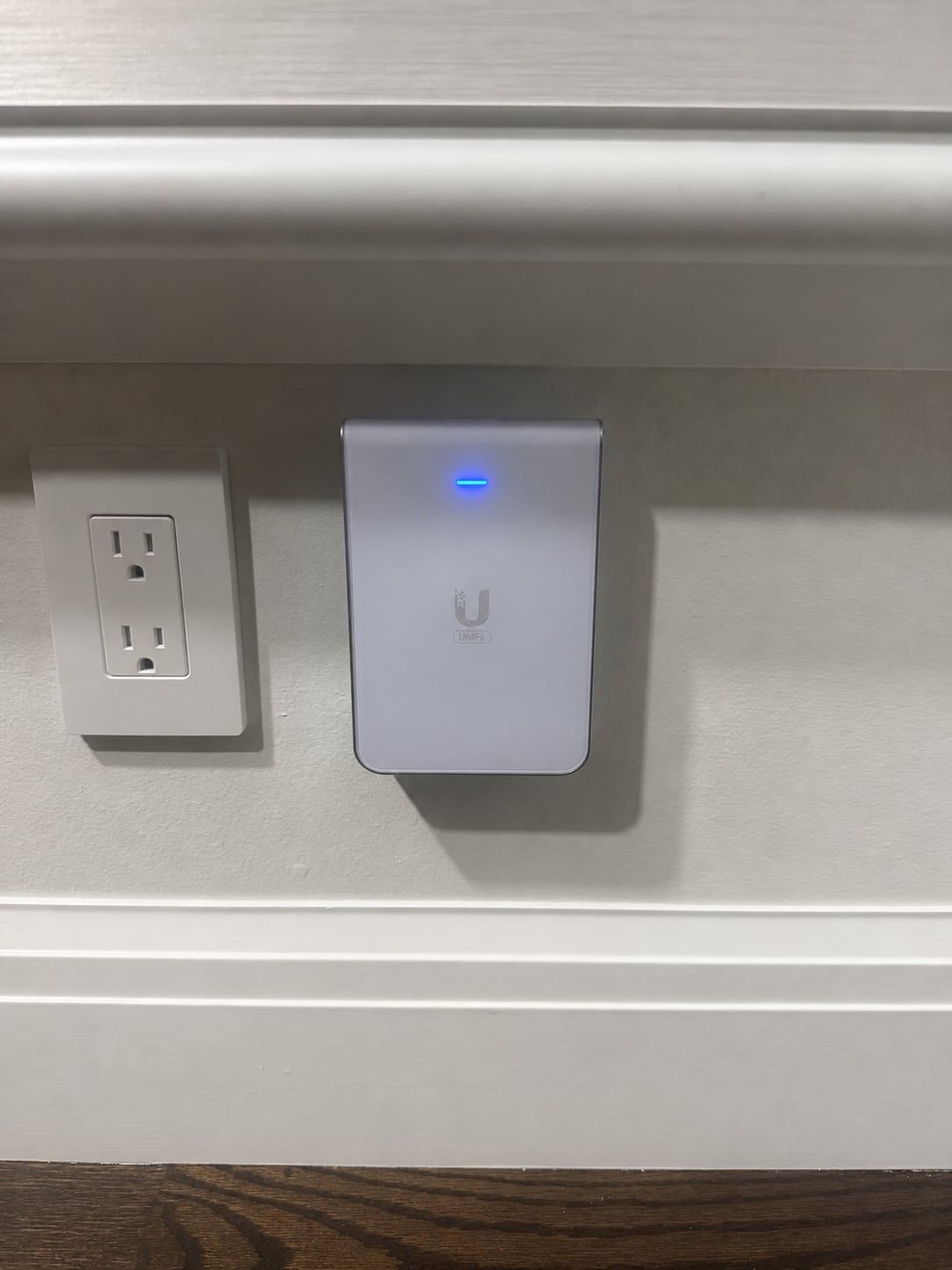
In-wall Wi-Fi access point
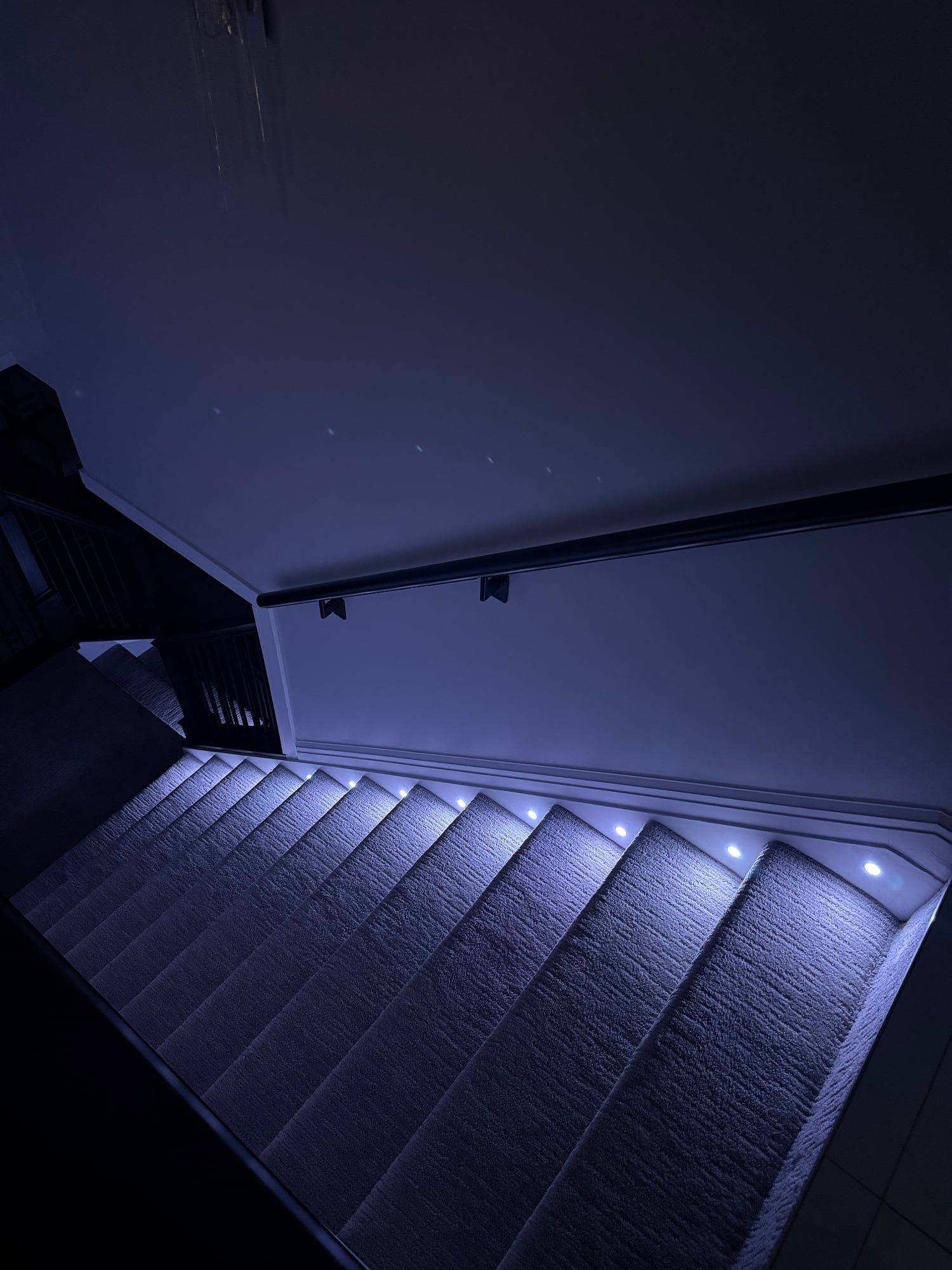
Stair lighting
Get a Quote

Step 1 of 4: Property

Is this for a home or a business?
What can we help with?

Pick everything you're interested in.

When do you want it done?
How can we reach you?

We'll call you to go over the job.

Questions? Call 248-602-0020