Skip to content
contact@wiredlinksystems.com Call 248-602-0020

Home Wi-Fi & Network Installation in Metro Detroit

Wi-Fi that works in every room. Not just next to the router.

What you get

Home Wi-Fi, done right

We install home networks across Metro Detroit: a router, wired access points in the rooms that need them, and wired connections for the things that should never drop, like TVs, game consoles, and work computers.

Most dead spots come from one router trying to cover a whole house through walls, floors, and a basement. We walk the house with you, check the signal room by room, and run a cable to each access point, so every one gets a full-speed connection back to the network.

Then we set up your network name and passwords, keep guests apart from your own devices, test the speed in every room, and show you how it all works.

We plan it with you

Every home is different. We walk you through your options, then decide these together.

  • Where each access point goes
  • Which rooms, TVs, and computers get a wired connection
  • A separate network for guests
  • How far the signal reaches: garage, patio, and yard
  • Where the network gear lives

…and anything else your network needs.

How we can help

What are you looking for?

Whole-home Wi-Fi

No more dead spots

The bedroom upstairs that never gets signal. The basement where everything buffers. We place wired access points so every room, the garage, and the patio get strong Wi-Fi, then test the speed in each one.

Ask about whole-home Wi-Fi

Wired connections

A steady connection for work and play

Your face freezes mid-meeting and everyone waits. The game lags at the worst moment. We run wired connections to your office, TVs, and consoles, so the things that matter most never fight for Wi-Fi.

Ask about wired connections

Cell signal boosters

Calls that don’t drop when you walk inside

Full bars in the driveway, one bar in the kitchen. Calls cut out the moment you walk in the door. We install a cell signal booster that brings the outside signal in, so you can talk and text anywhere in the house.

Ask about cell signal boosters

Replace an old network

Swap the patchwork for a network that works

Extenders plugged in everywhere, an old router in a closet, and Wi-Fi that still drops. We take out the patchwork and put in a new network, planned and wired room by room.

Ask about replacing an old network
What happens next

Not sure where to start? Just reach out.

Never any pressure. Just honest answers and a plan that fits you.

  1. 01

    Reach out

    Call or request a quote and tell us what you want covered at home.

  2. 02

    We walk the property

    We come out, look at the house with you, and work out exactly what fits your needs.

  3. 03

    You get a clear quote

    A written quote with what we’d install and why, before you sign anything.

The basics

Home Wi-Fi, explained

Why Wi-Fi has dead spots

Wi-Fi gets weaker with every wall, floor, and room it passes through. One router in the corner of the basement can’t reach a bedroom on the far side of the second floor. Older Metro Detroit homes make it harder: plaster, brick, and ductwork block the signal far more than drywall does. Paying your provider for faster internet won’t fix it, because the problem is how the signal gets around inside the house.

Extenders, mesh, or wired access points

A plug-in extender repeats a weak signal over the air, so the rooms it covers get a slower connection, not a better one. Mesh systems are a step up: several units pass the signal between each other, but if they talk to each other over Wi-Fi, they still lose speed with each hop.

The steadiest option is wired access points. We run a cable to an access point on each floor or area, usually on the ceiling, so every one gets a full-speed connection. Your phone moves between them as you walk through the house without dropping.

What should be wired

Wi-Fi works well for phones and laptops. Devices that stay in one place and get used every day should be wired instead: the TV that streams every night, a game console, a home office computer, and every access point and camera. A wired connection doesn’t slow down when the house is busy, and it frees up the Wi-Fi for everything else.

Guest and smart device networks

Guests, smart plugs, and cheap gadgets don’t need to see your computers and phones. We set up a separate guest network with its own password and keep smart devices on their own network too, so a problem with one doesn’t reach the rest of the house.

Cell signal boosters

Some homes have good signal in the driveway and dropped calls in the kitchen. Brick, metal roofs, and energy-efficient windows all block cell signal. A booster uses an antenna outside to pick up the signal, strengthens it, and spreads it through the house with an antenna inside. It can only boost signal that already reaches the outside, so we check that first.

Replacing an old network

Most homes run on the router the internet provider dropped off. It’s built to be cheap and to work in any house, not to cover yours: one box, usually set wherever the line comes in, often a basement corner, trying to reach every room. When rooms go dead, extenders get added, and they make it worse: everything connected through one gets a slower connection, and phones hang on to a weak signal instead of moving to a stronger one. If you restart the router every week, or the speed you pay for never shows up where you use it, the problem is the equipment, not your internet plan.

Our work

See the work for yourself

Real installs from homes and businesses like yours.

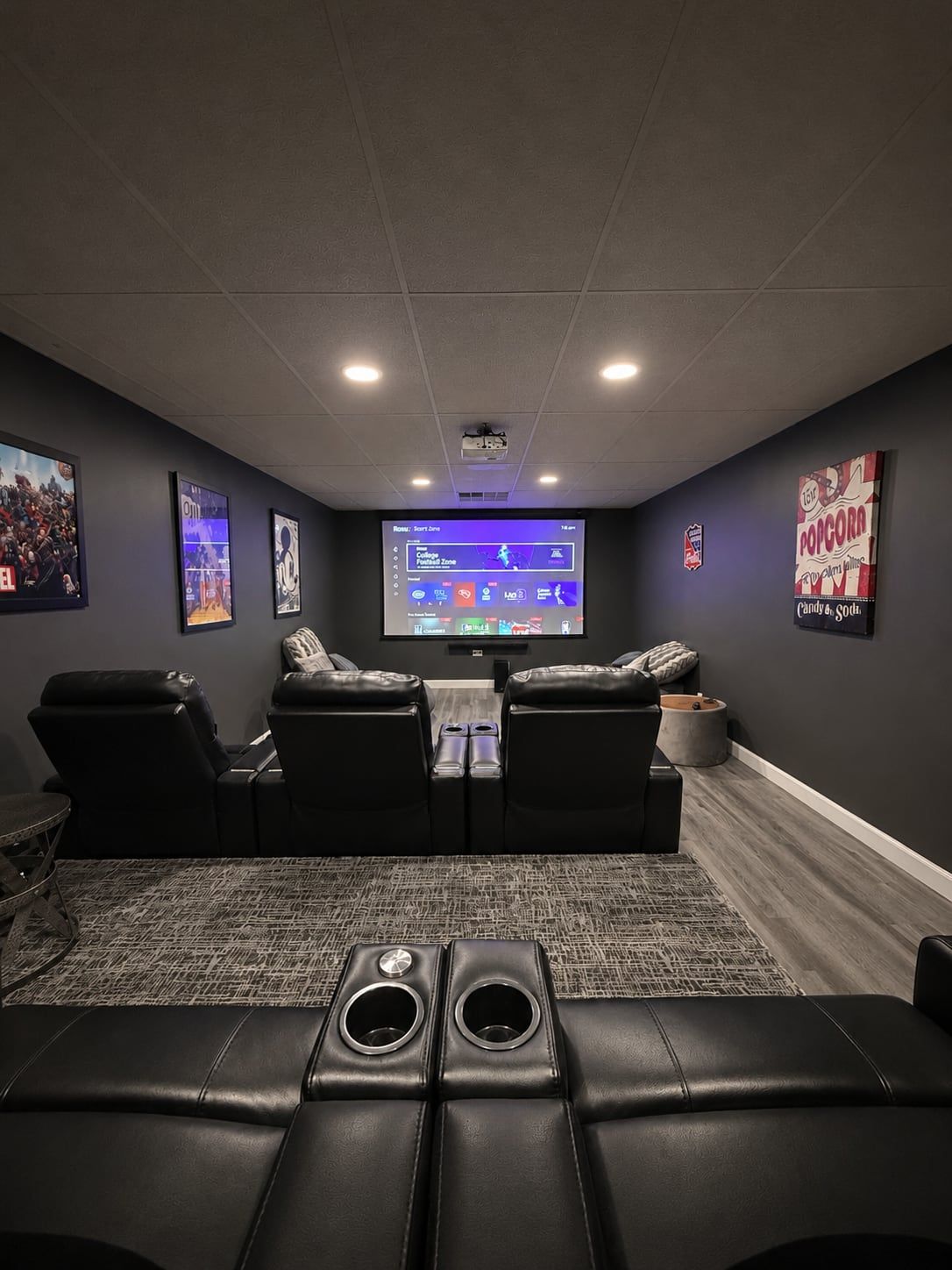
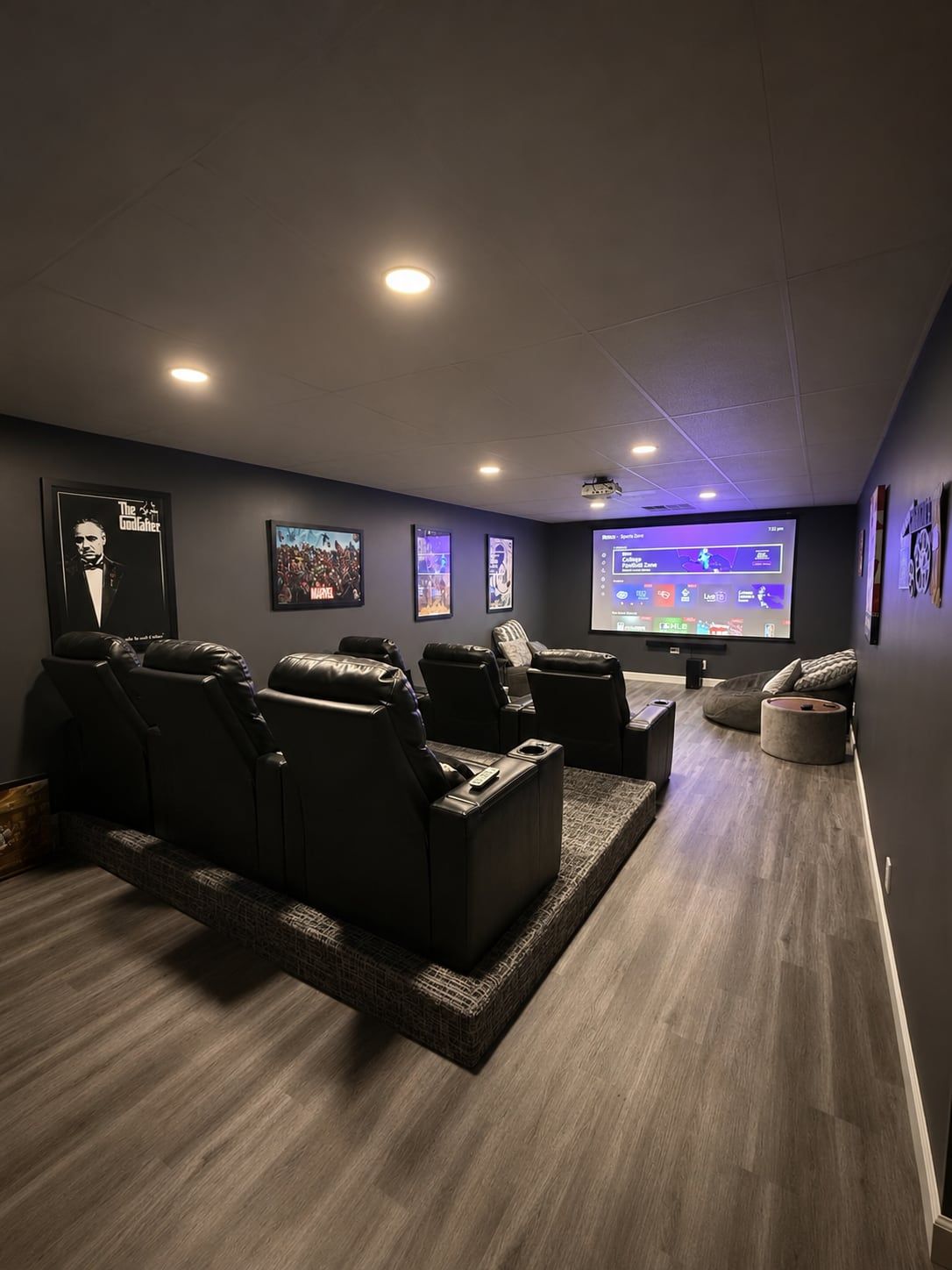
Home theater with projector screen and recliners
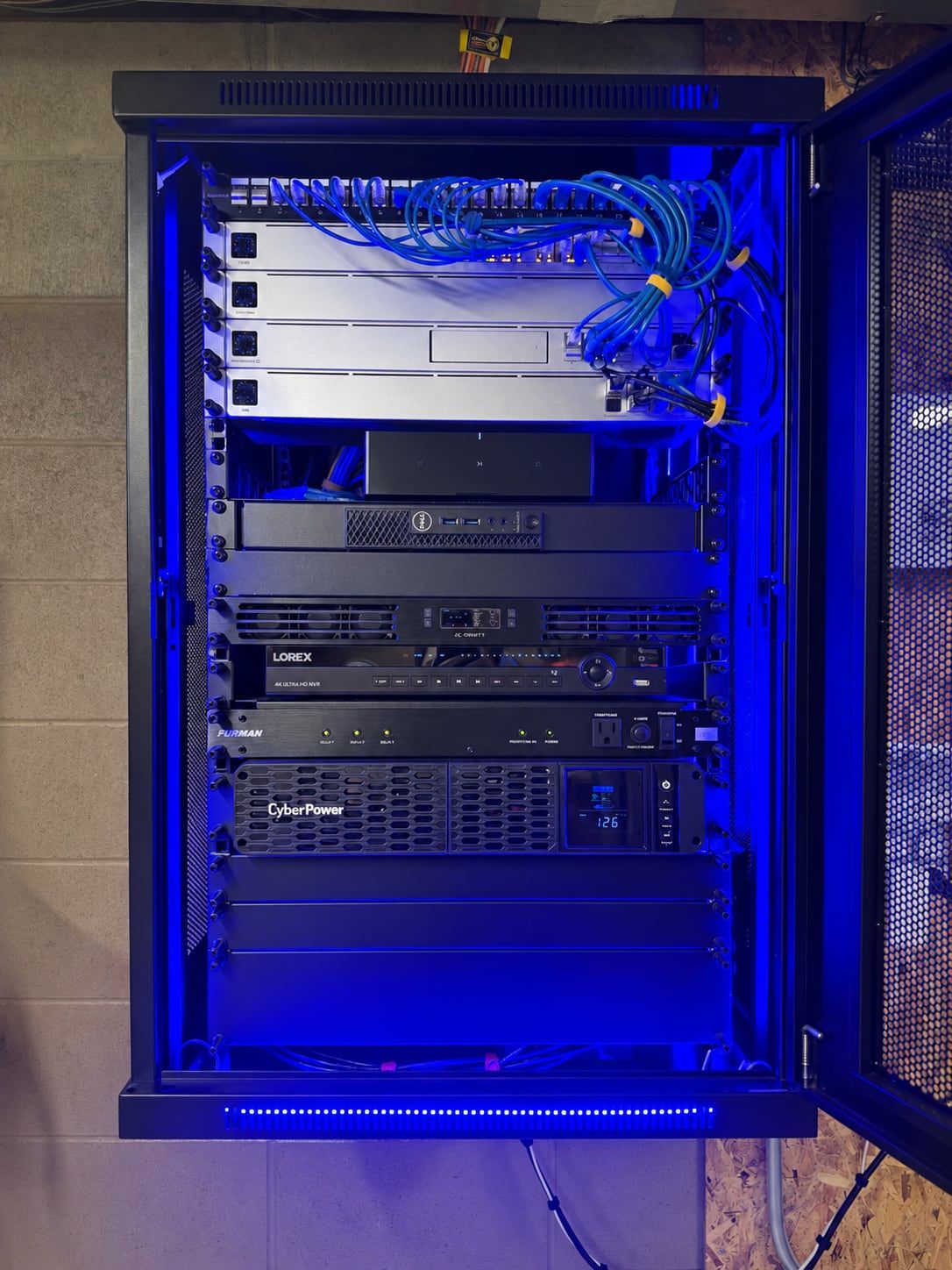
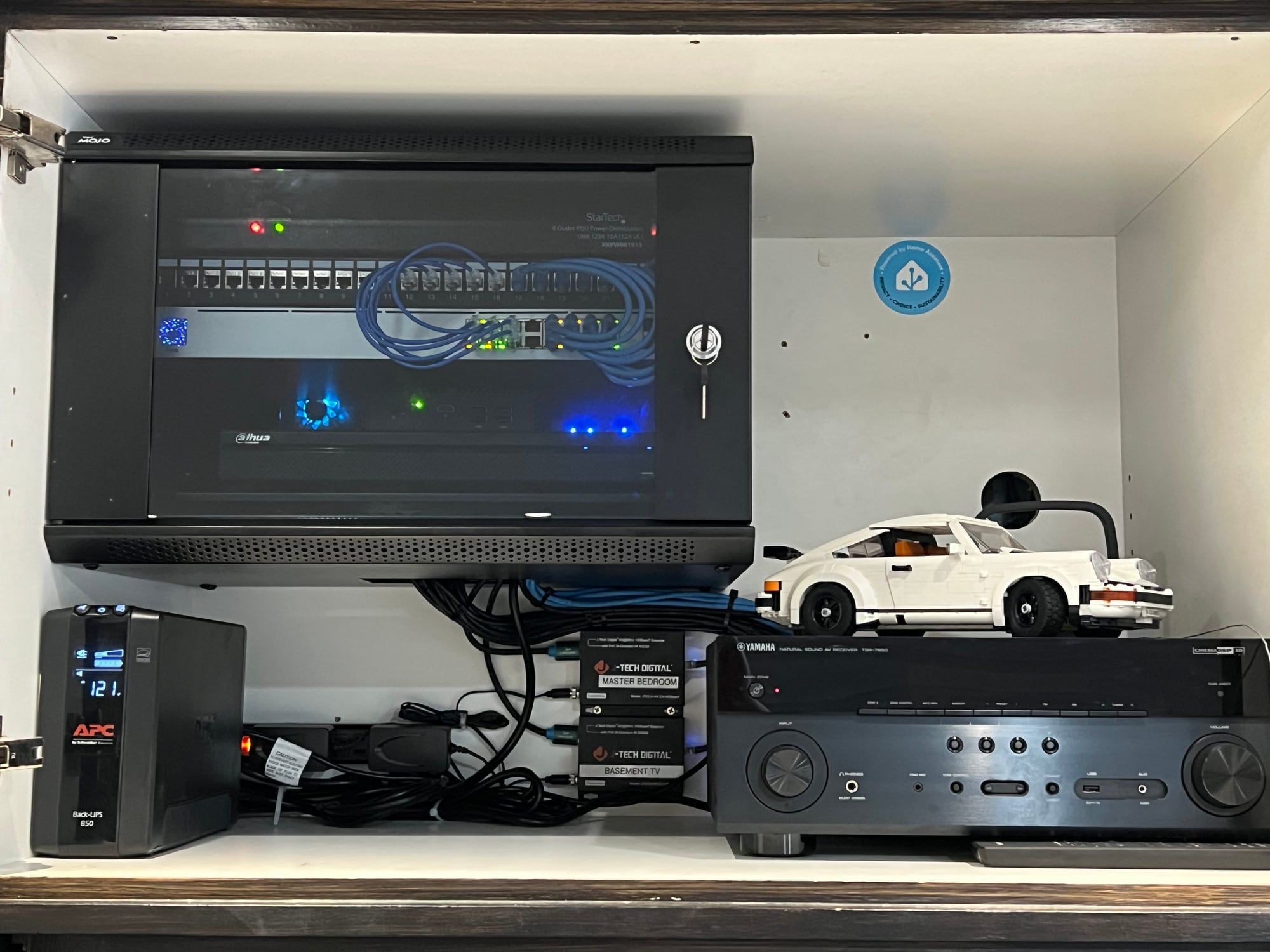
Network rack with patch panel
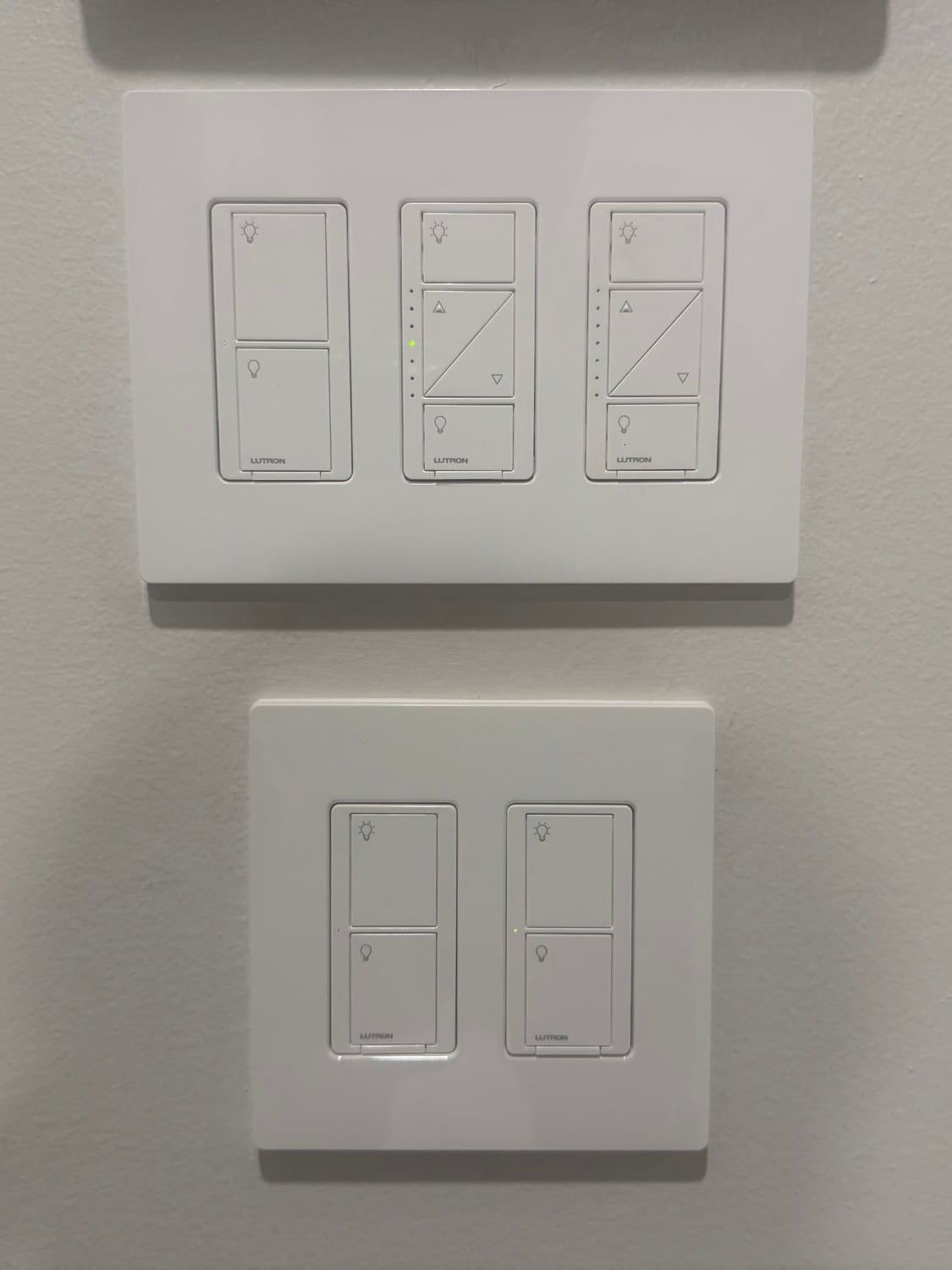
Smart dimmers and light switches
Ceiling Wi-Fi access point
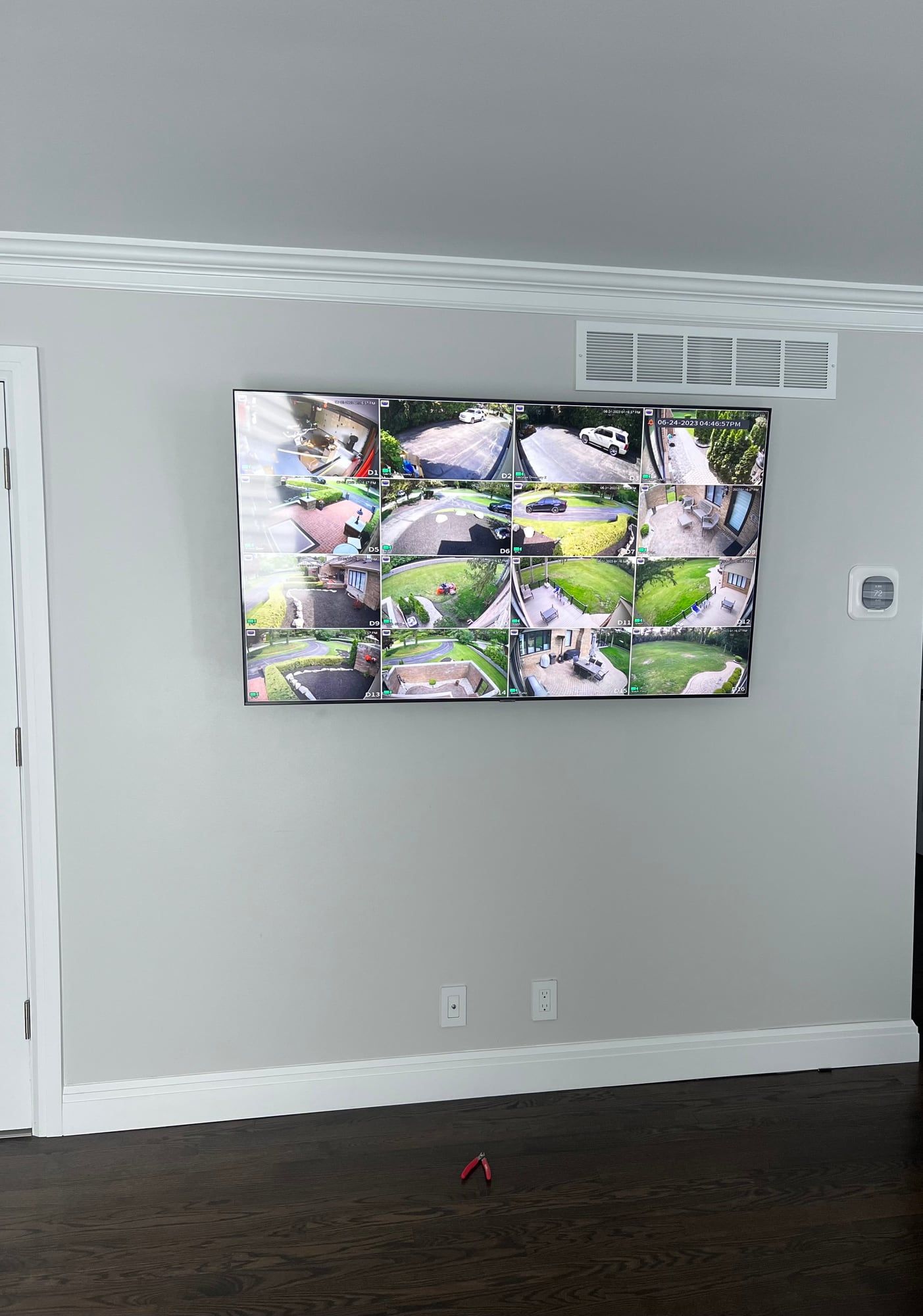
Wall-mounted TV showing security cameras
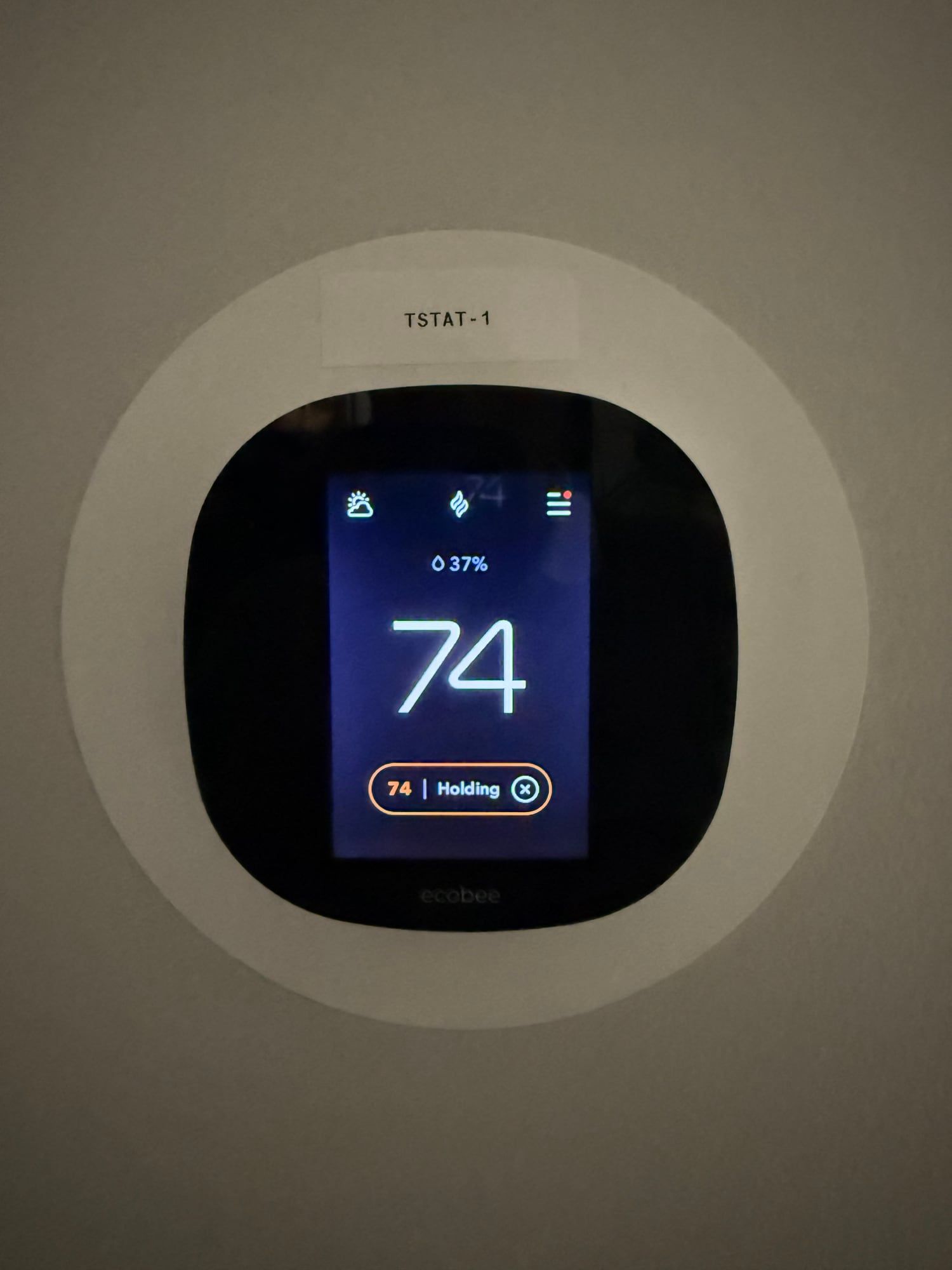
Smart thermostat
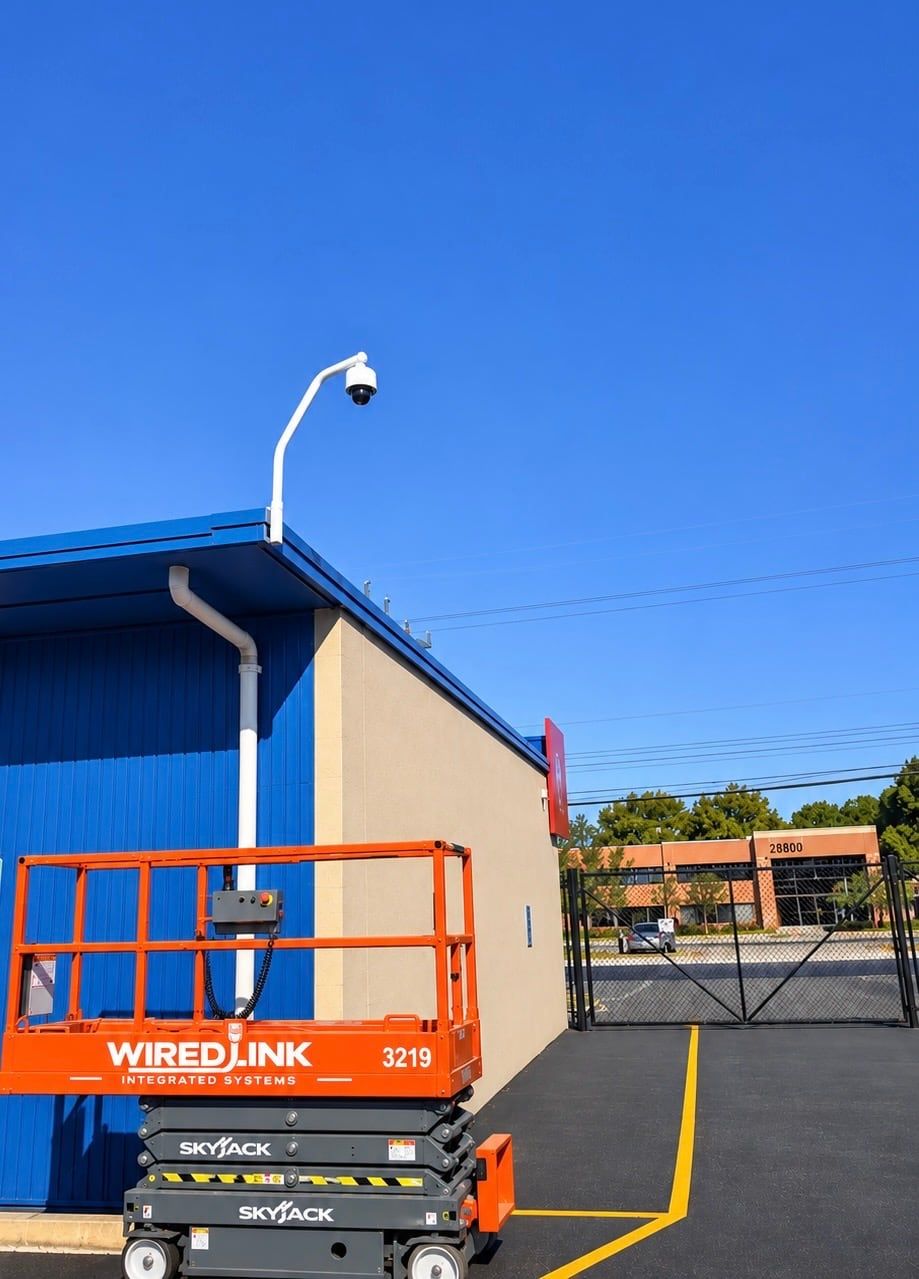
Business security camera on a pole
Home theater seating and projector
Built-in speaker
Network cabinet and audio equipment
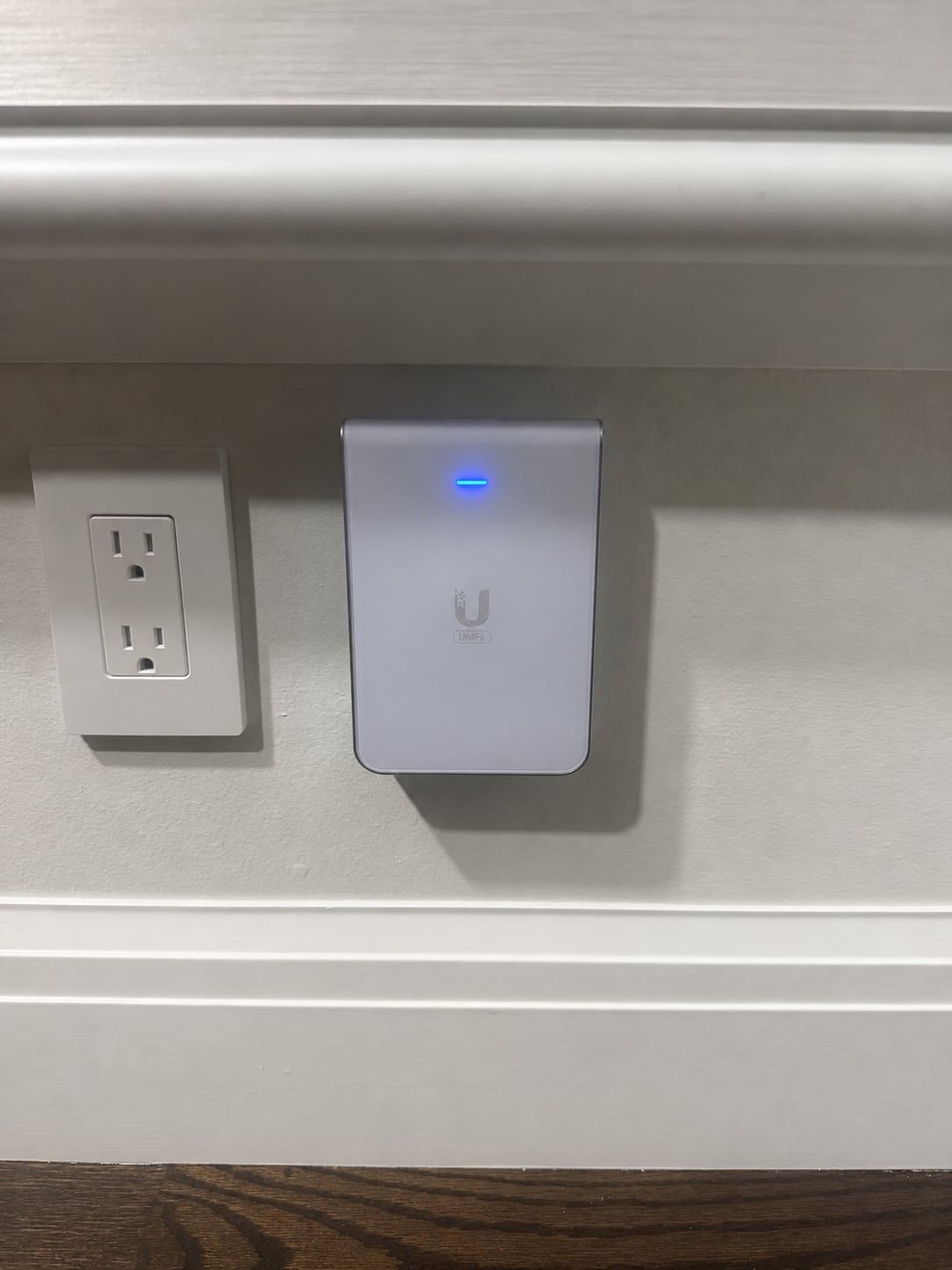
In-wall Wi-Fi access point
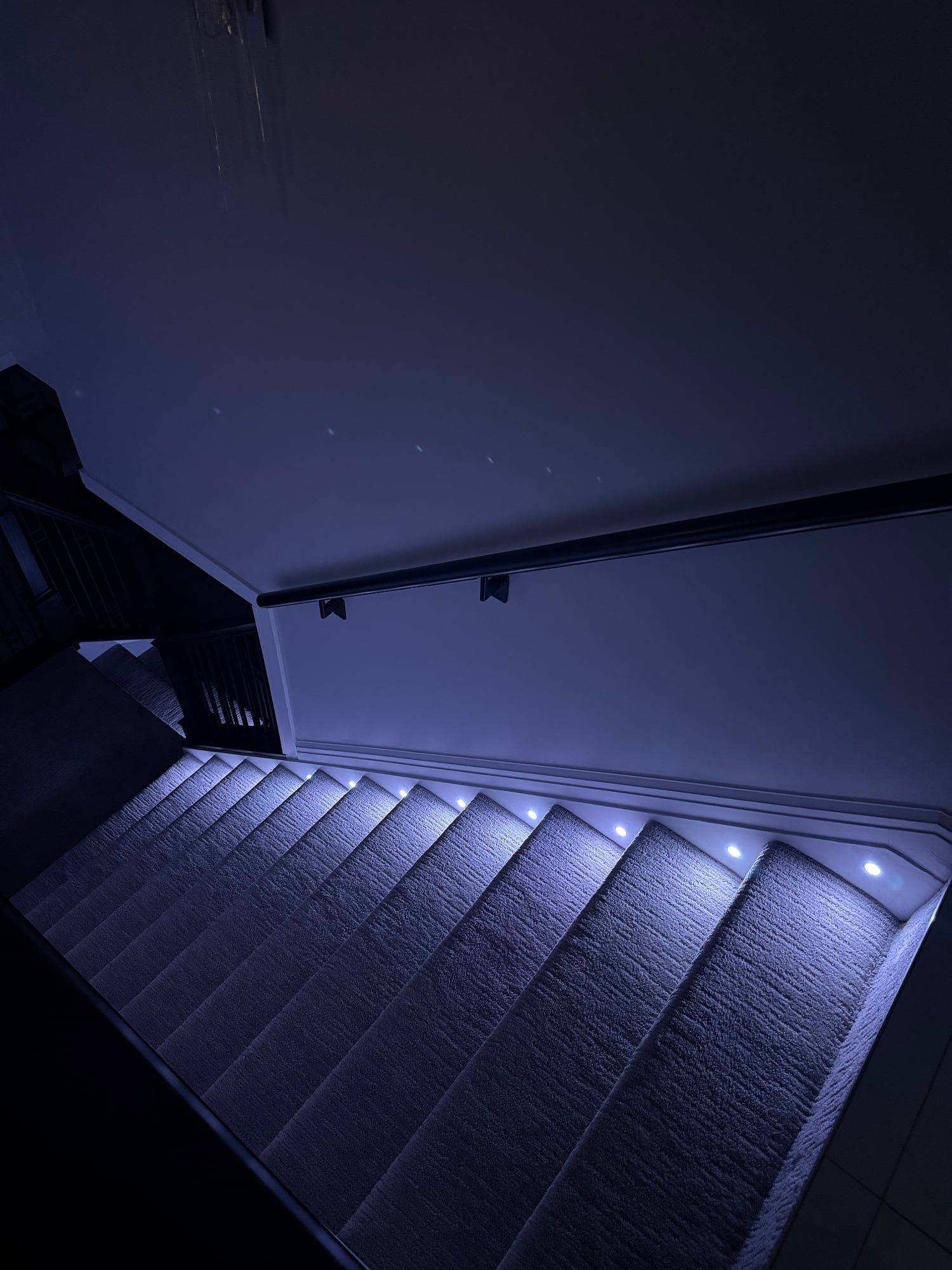
Stair lighting
Get a Quote

Step 1 of 4: Property

Is this for a home or a business?
What can we help with?

Pick everything you're interested in.

When do you want it done?
How can we reach you?

We'll call you to go over the job.

Questions? Call 248-602-0020