Skip to content
contact@wiredlinksystems.com Call 248-602-0020

Conference Room AV Installation in Metro Detroit

Meetings that start on time. Every time.

What you get

Conference and training rooms, done right

We set up conference rooms, huddle rooms, boardrooms, and training rooms for businesses across Metro Detroit: displays, cameras, microphones, speakers, and simple controls.

We look at how each room is used: how many people sit where, who joins remotely, and what gets shared. Then we place the camera to see everyone, the mics to hear everyone, and the screens so every seat can read them, with the cables hidden in the table and walls.

We test calls with you from every seat, set up sharing so anyone can present from their laptop, and show your team how to start a meeting.

We plan it with you

Every business is different. We walk you through your options, then decide these together.

  • Display size, and where it goes
  • Camera and mics sized to the room
  • How people share their screen
  • Setups for training classes and presenters
  • Simple controls anyone can use

…and anything else your rooms need.

How we can help

What are you looking for?

Conference & huddle rooms

Walk in, connect, and start the call

Meetings that start ten minutes late while someone fights with the cables. We set up the display, camera, mics, and screen sharing so anyone can walk in and start a video call right away.

Ask about conference & huddle rooms

Boardrooms

Everyone seen and heard, from every seat

Remote callers who can only hear whoever sits closest to the laptop. We set up cameras that cover the whole table and mics placed so every voice comes through clearly, with the cables hidden in the table.

Ask about boardrooms

Training rooms

Every seat can see and hear the presenter

A trainer at the front and people in the back squinting at a small screen. We add bigger displays or projectors, presenter mics, and speakers so every seat can see and hear, plus a way to bring in people from other locations.

Ask about training rooms
What happens next

Not sure where to start? Just reach out.

Never any pressure. Just honest answers and a plan that fits you.

  1. 01

    Reach out

    Call or request a quote and tell us what you want covered at your business.

  2. 02

    We walk the site

    We come out, look at the building with you, and work out exactly what fits your needs.

  3. 03

    You get a clear quote

    A written quote with what we’d install and why, before you sign anything.

The basics

Conference and training rooms, explained

Every room is different

A huddle room for four people, a conference room for twelve, a boardroom, and a training room all need different gear. Small rooms do well with a simple all-in-one camera and speaker bar. Larger rooms need cameras that can see every seat and microphones that pick up people at the far end of the table. We plan each room around how many people use it and what they do in it.

Displays

The display has to be big enough for the person at the back of the room to read text on a shared screen. Many rooms use two displays: one for the people on the call and one for what’s being shared, so nobody has to choose.

Cameras

In small rooms, a camera bar under the display sees the whole table. In bigger rooms, the camera can follow whoever is talking or frame each person, so people on the call see faces, not a wide shot of the room.

Microphones and sound

Bad audio ruins more meetings than bad video. Small rooms can use the microphones built into the camera bar. Larger rooms need microphones on the table or in the ceiling so everyone is heard, not just the people closest to the screen. Glass walls and hard surfaces cause echo, so we plan for that too.

Sharing a screen

People should be able to walk in and share their screen in seconds, from a laptop or a phone, without hunting for the right cable. Wireless sharing handles most rooms, with a cable at the table as a backup. The room works with the calling apps your team already uses.

Training rooms

In a training room, every seat has to see and hear the presenter. That can mean a wireless microphone for the presenter, speakers spread across the room, and extra displays partway back so people in the back aren’t squinting. Sessions can also be recorded or streamed to people who can’t be there.

Easy to start

A room should start with one touch, not a call to IT. A small control panel on the table starts the meeting, shares a screen, and turns everything off at the end.

Our work

See the work for yourself

Real installs from homes and businesses like yours.

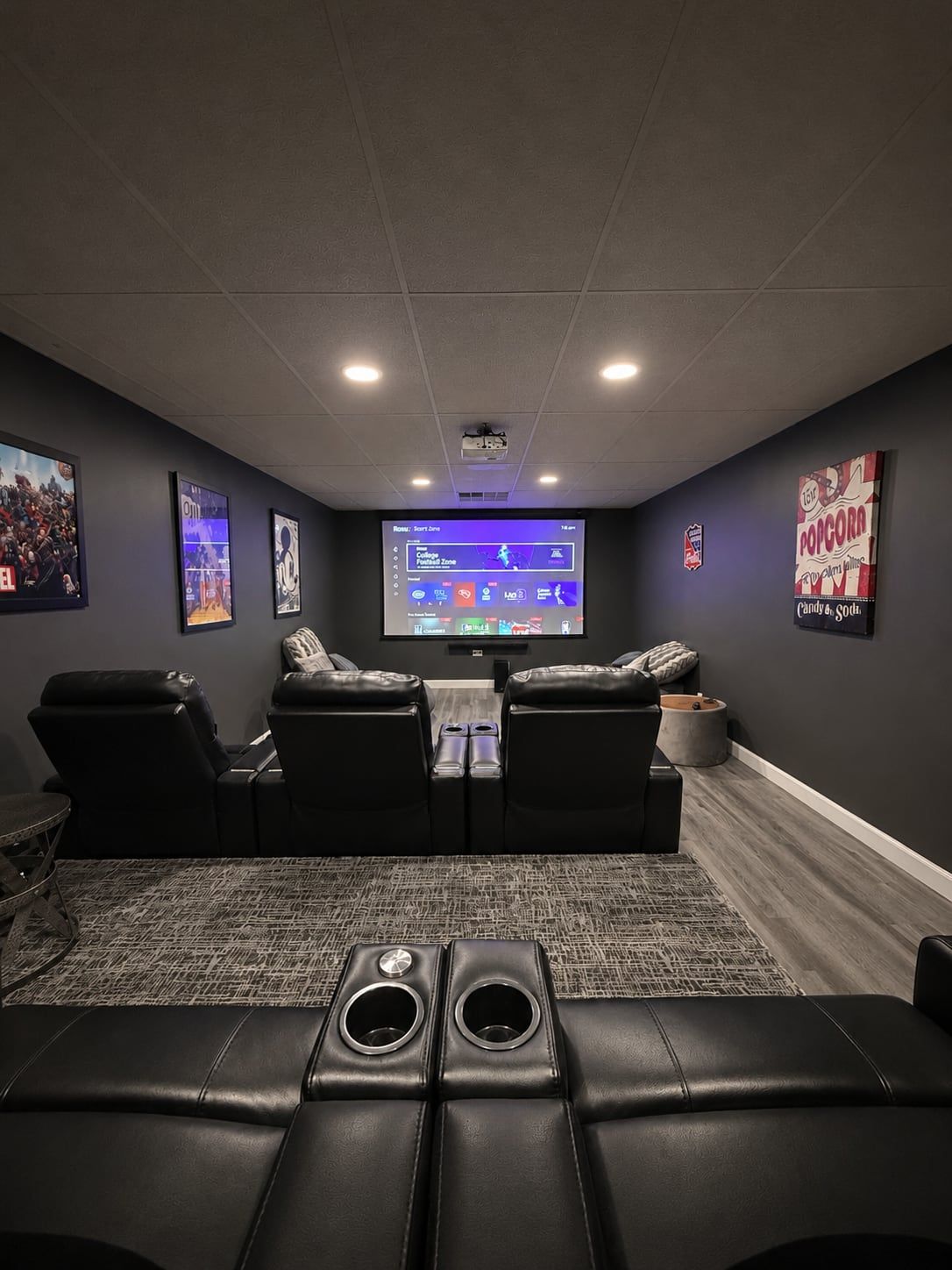
Home theater with projector screen and recliners
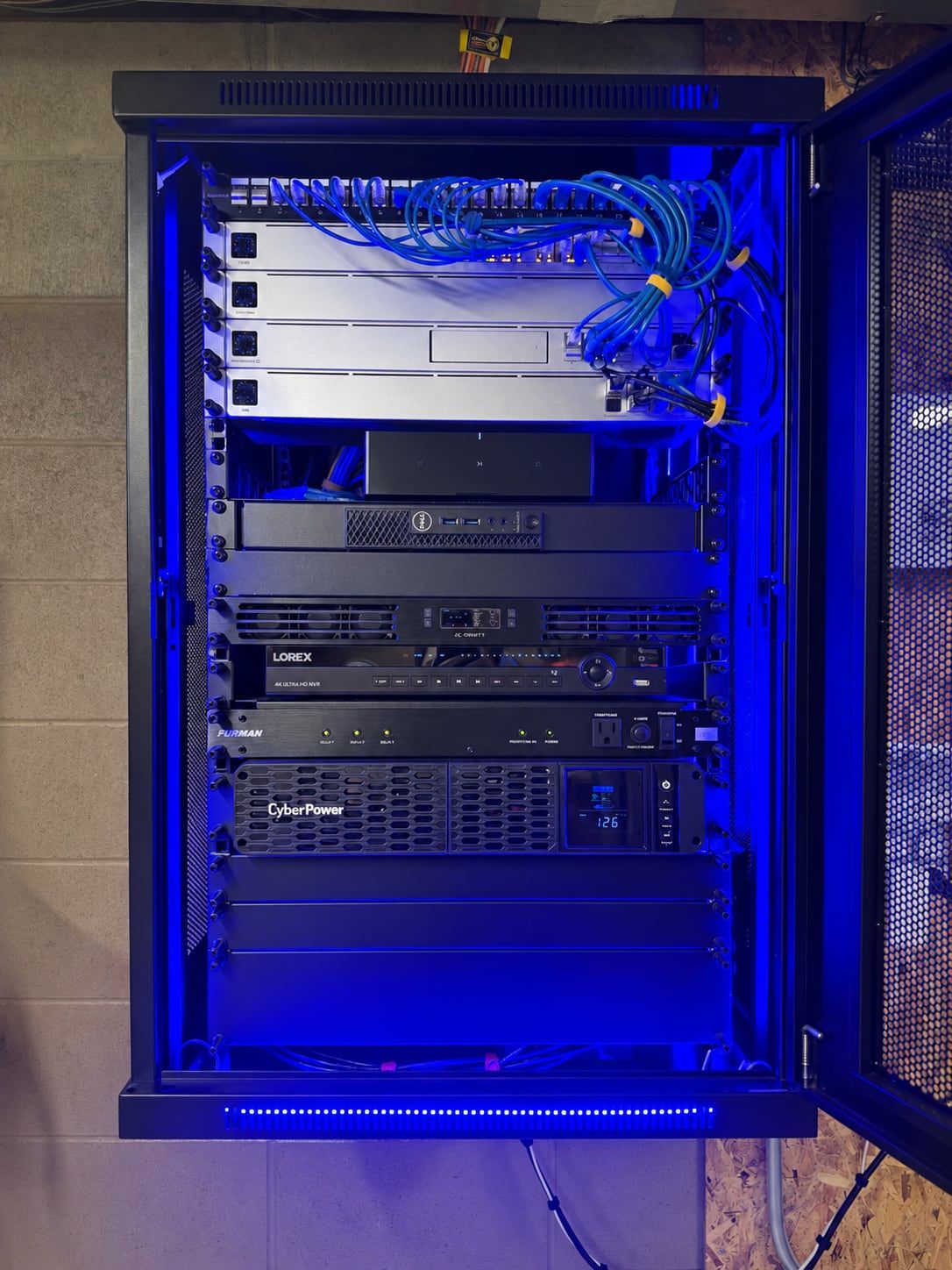
Network rack with patch panel
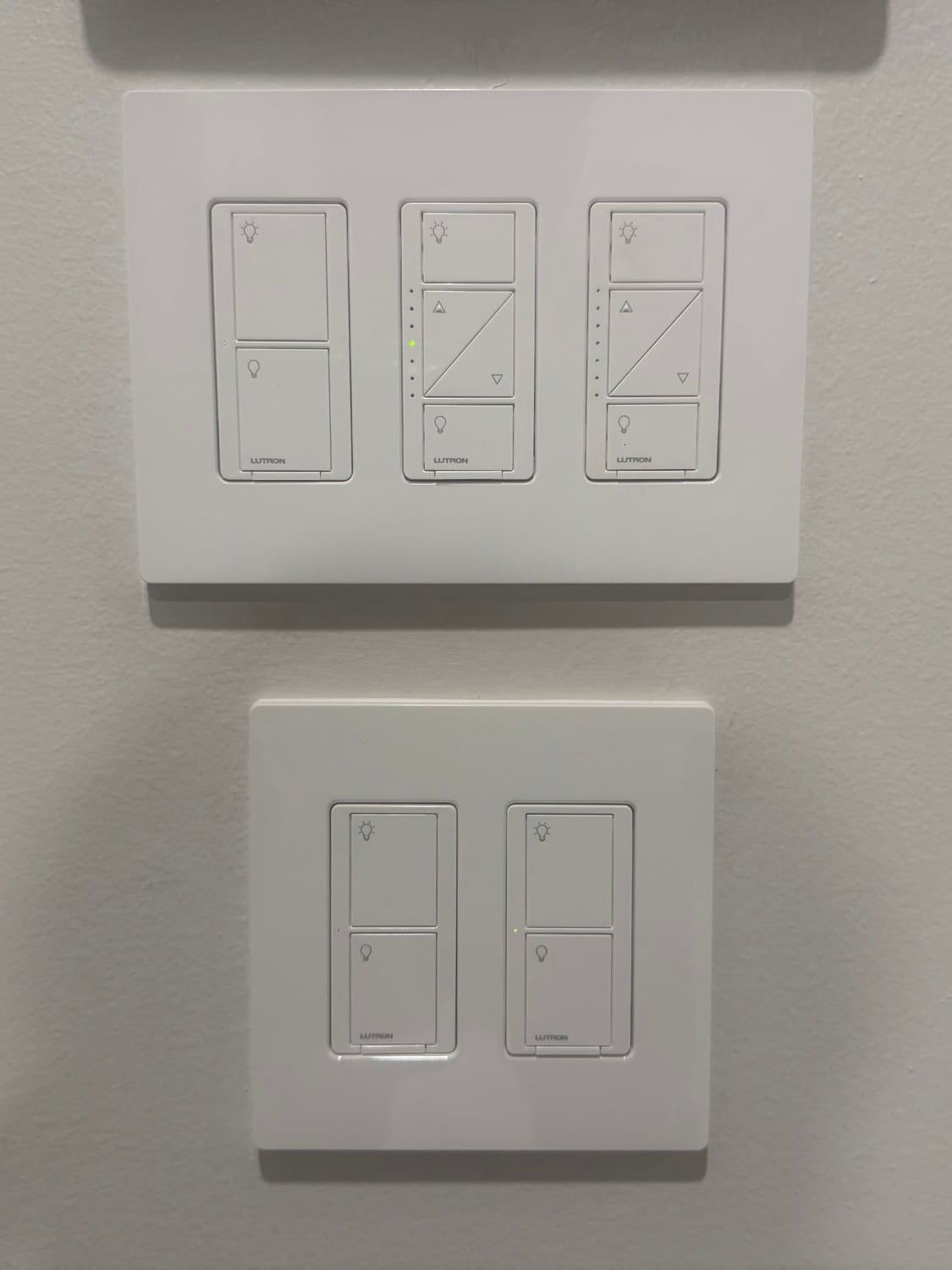
Smart dimmers and light switches
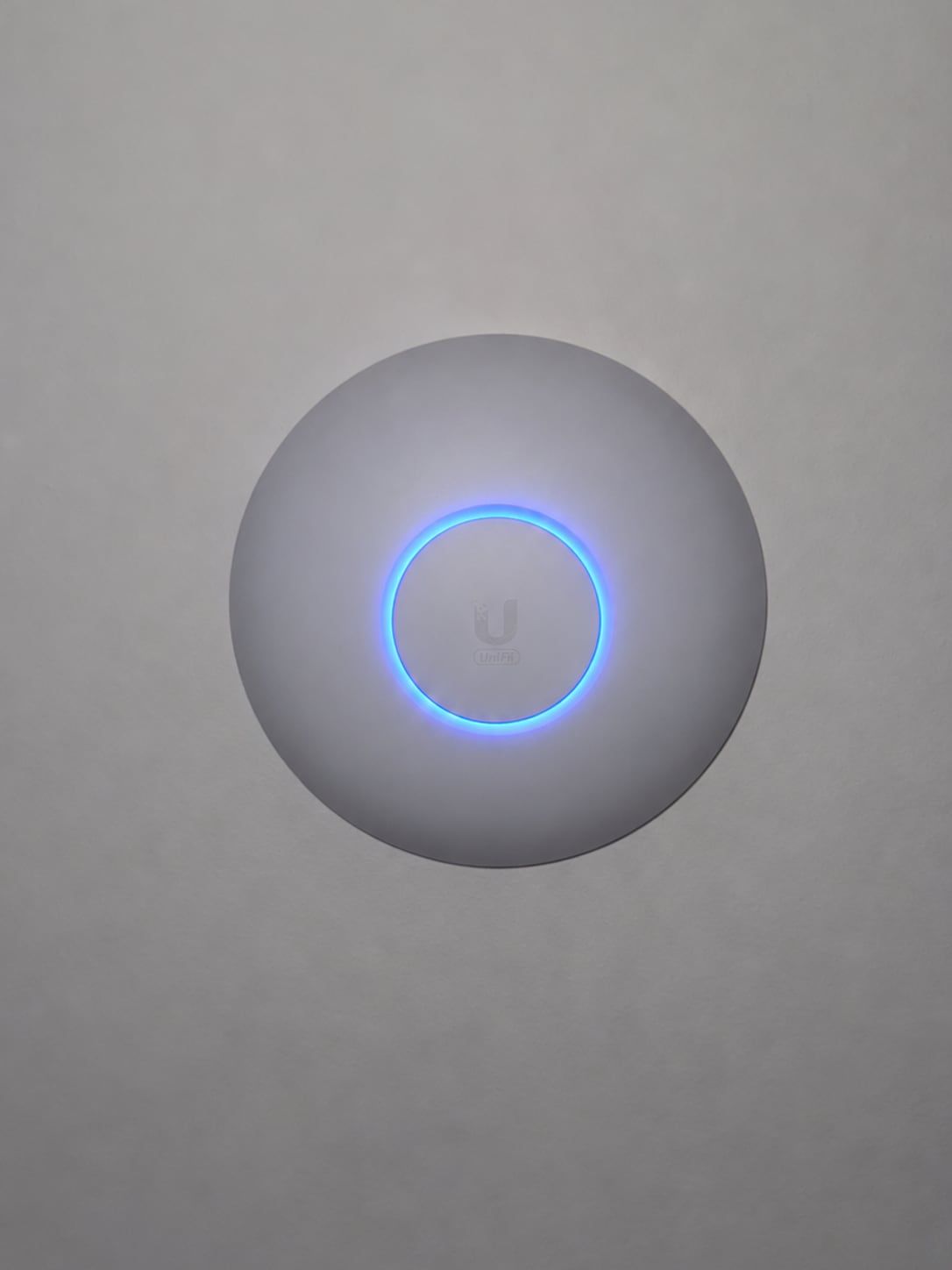
Ceiling Wi-Fi access point
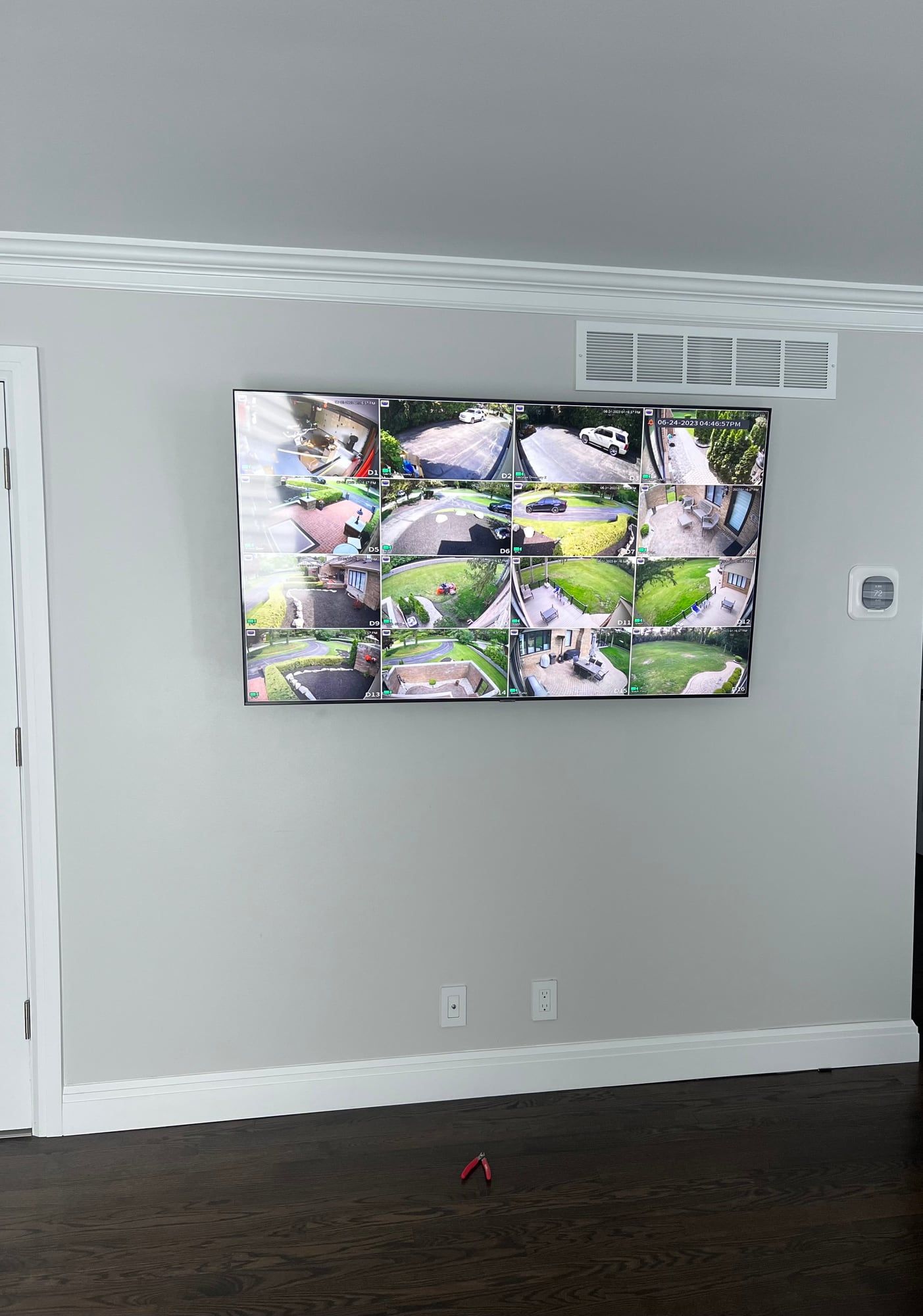
Wall-mounted TV showing security cameras
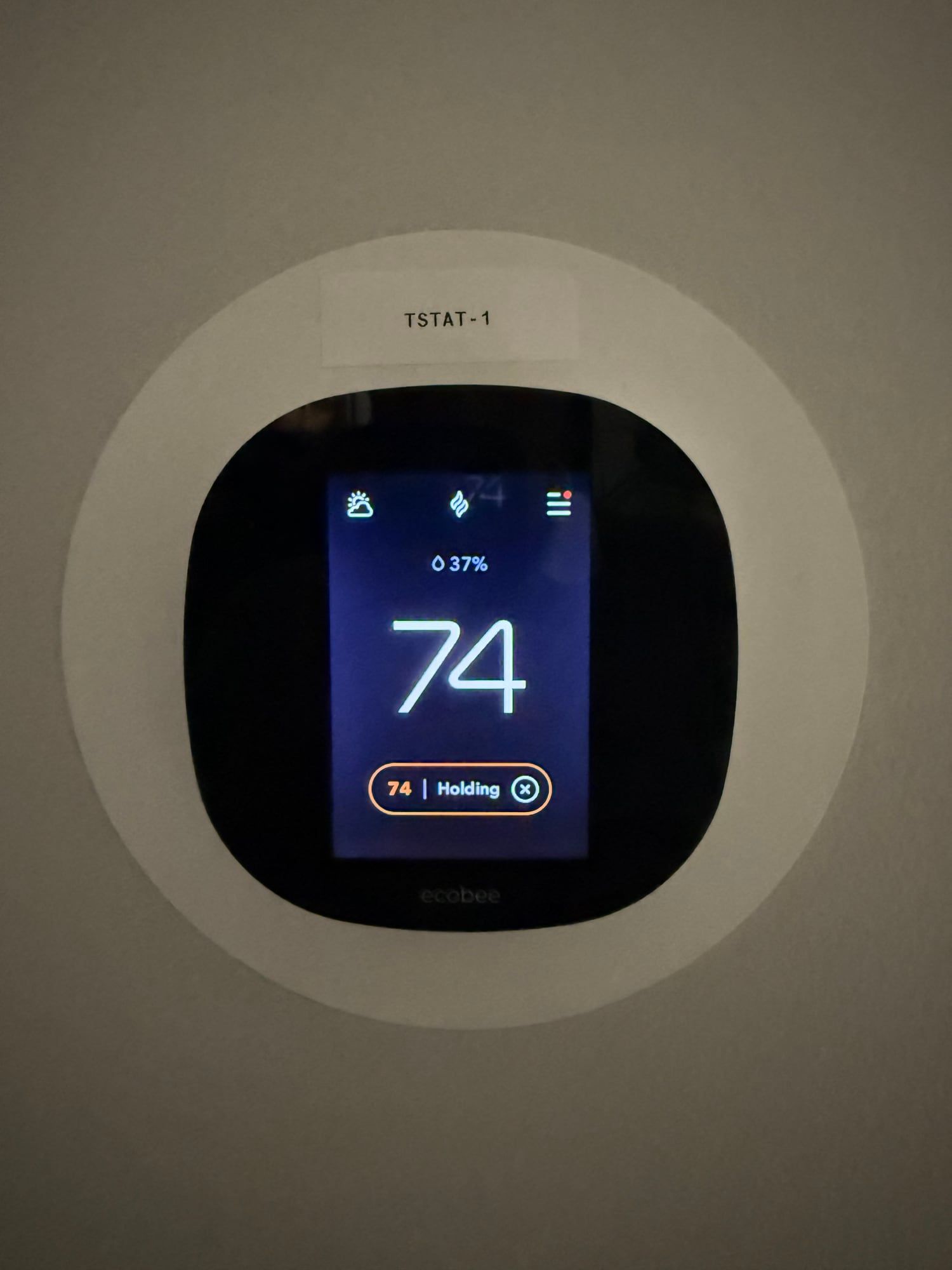
Smart thermostat
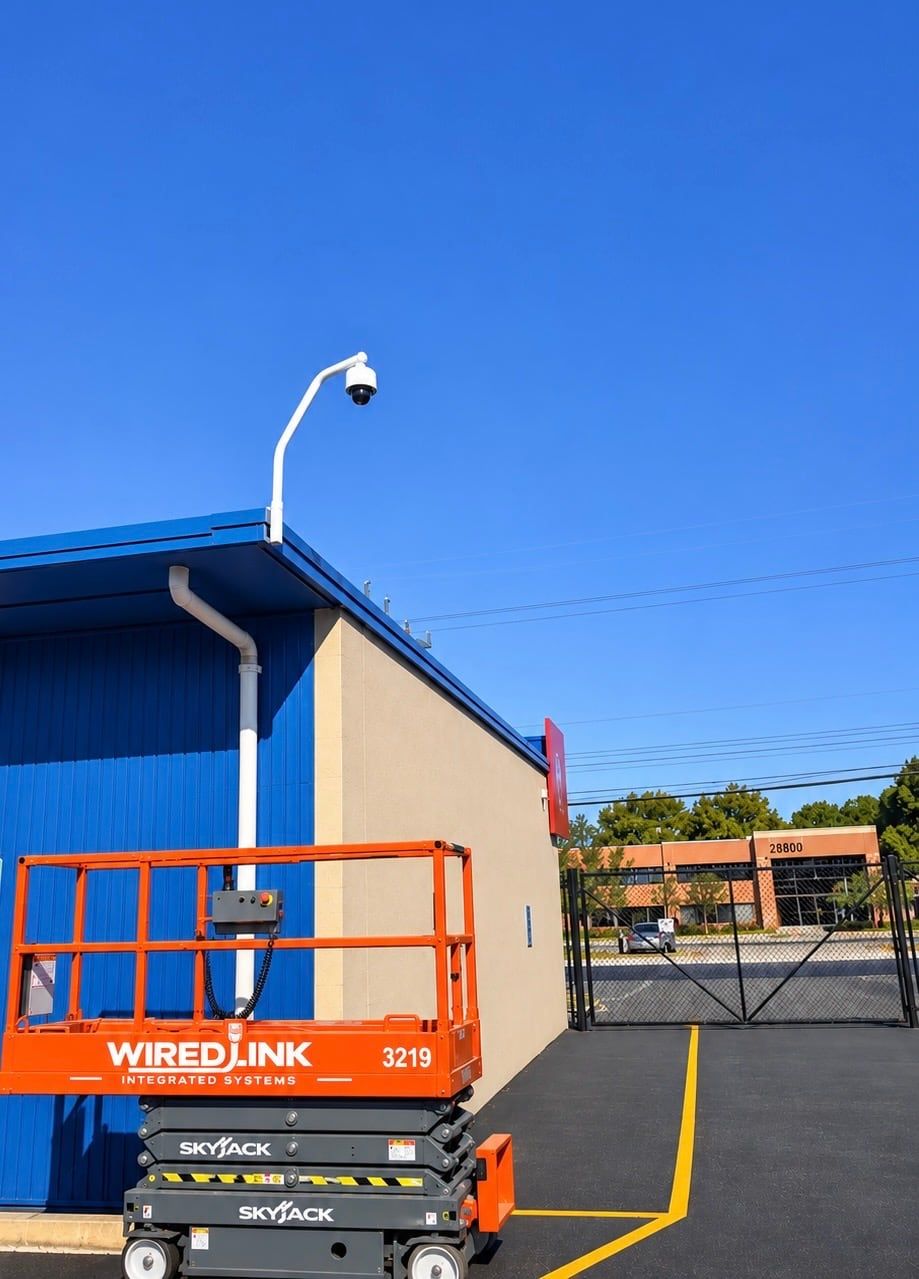
Business security camera on a pole
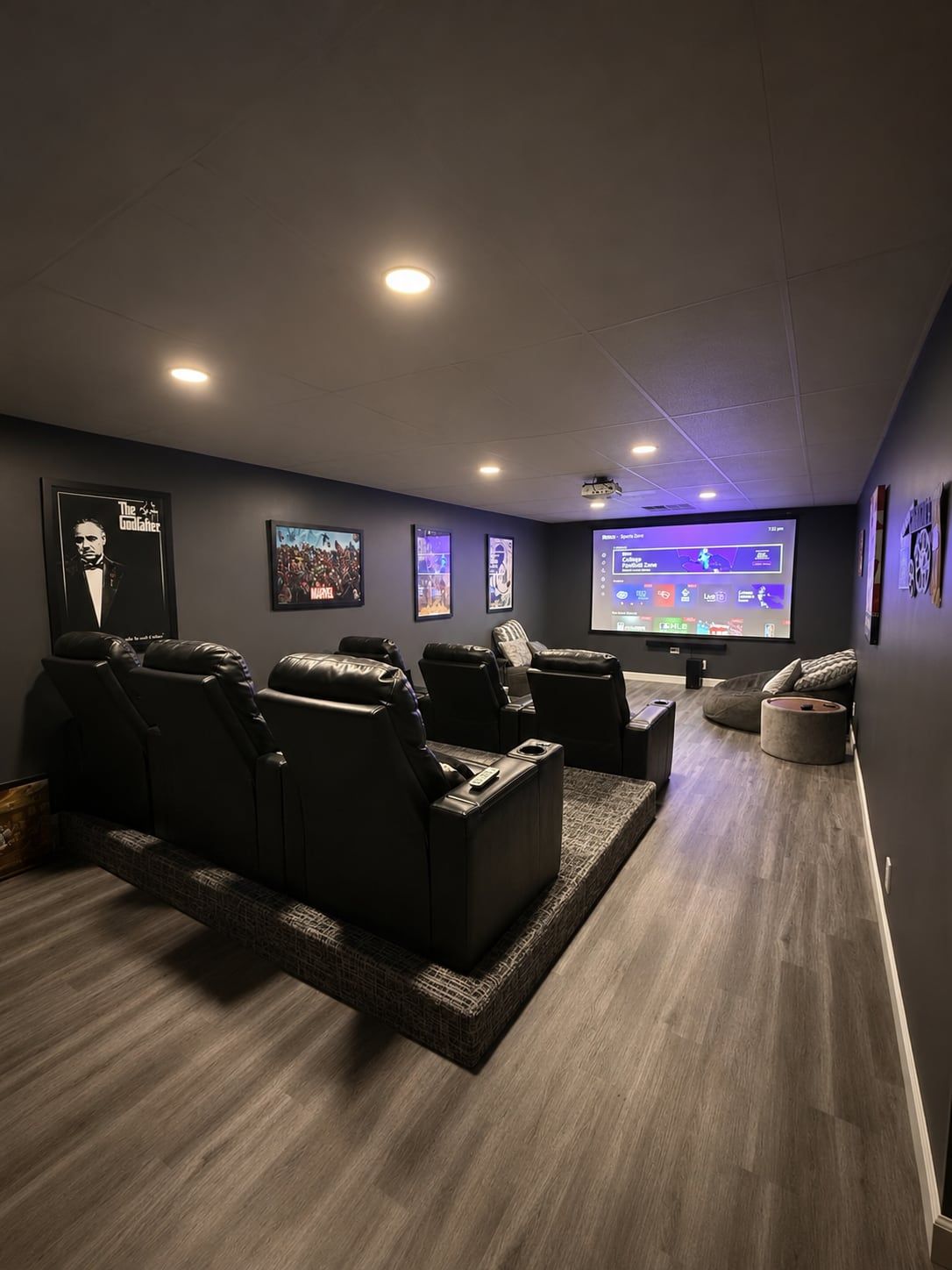
Home theater seating and projector
Built-in speaker
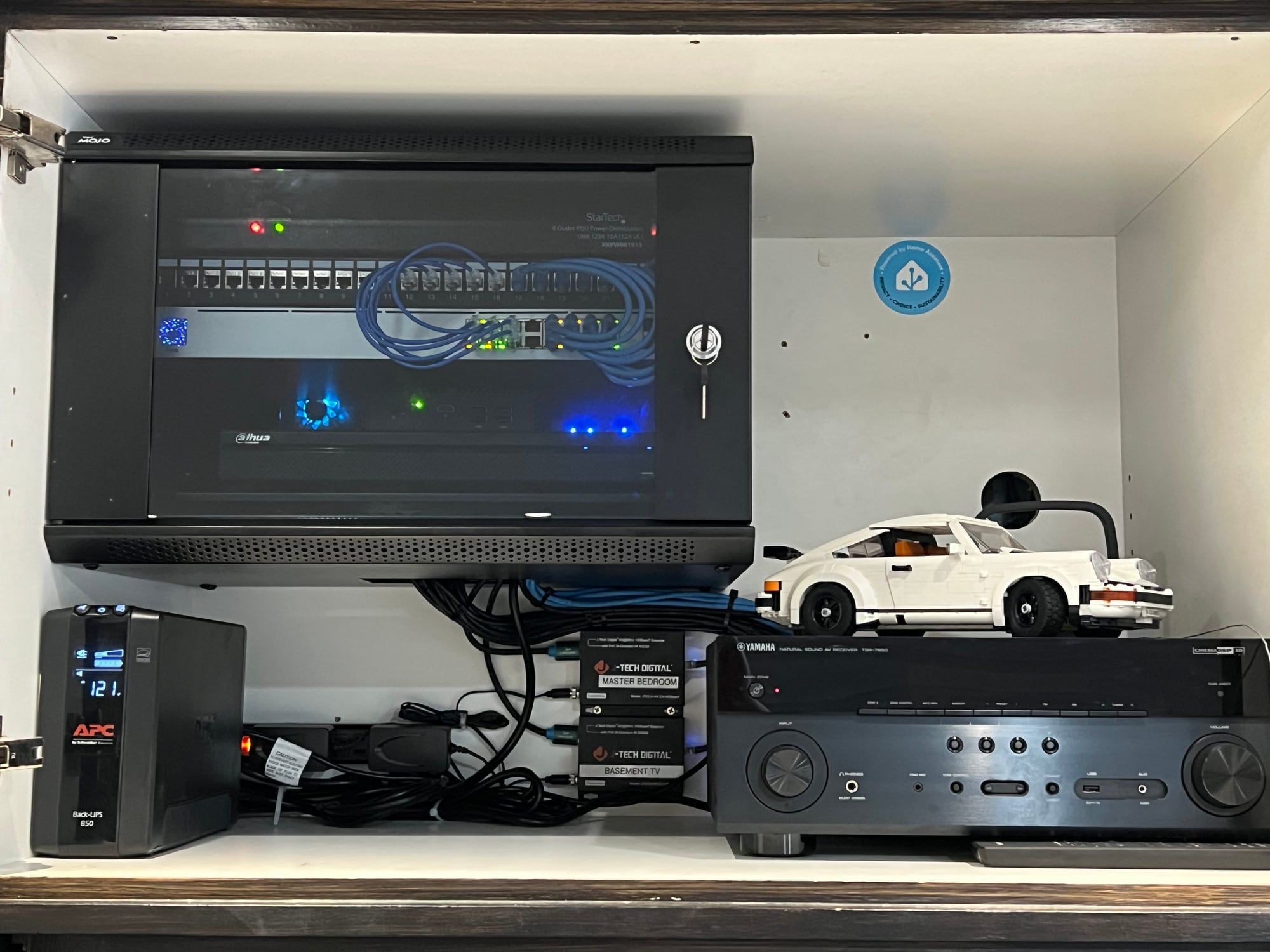
Network cabinet and audio equipment
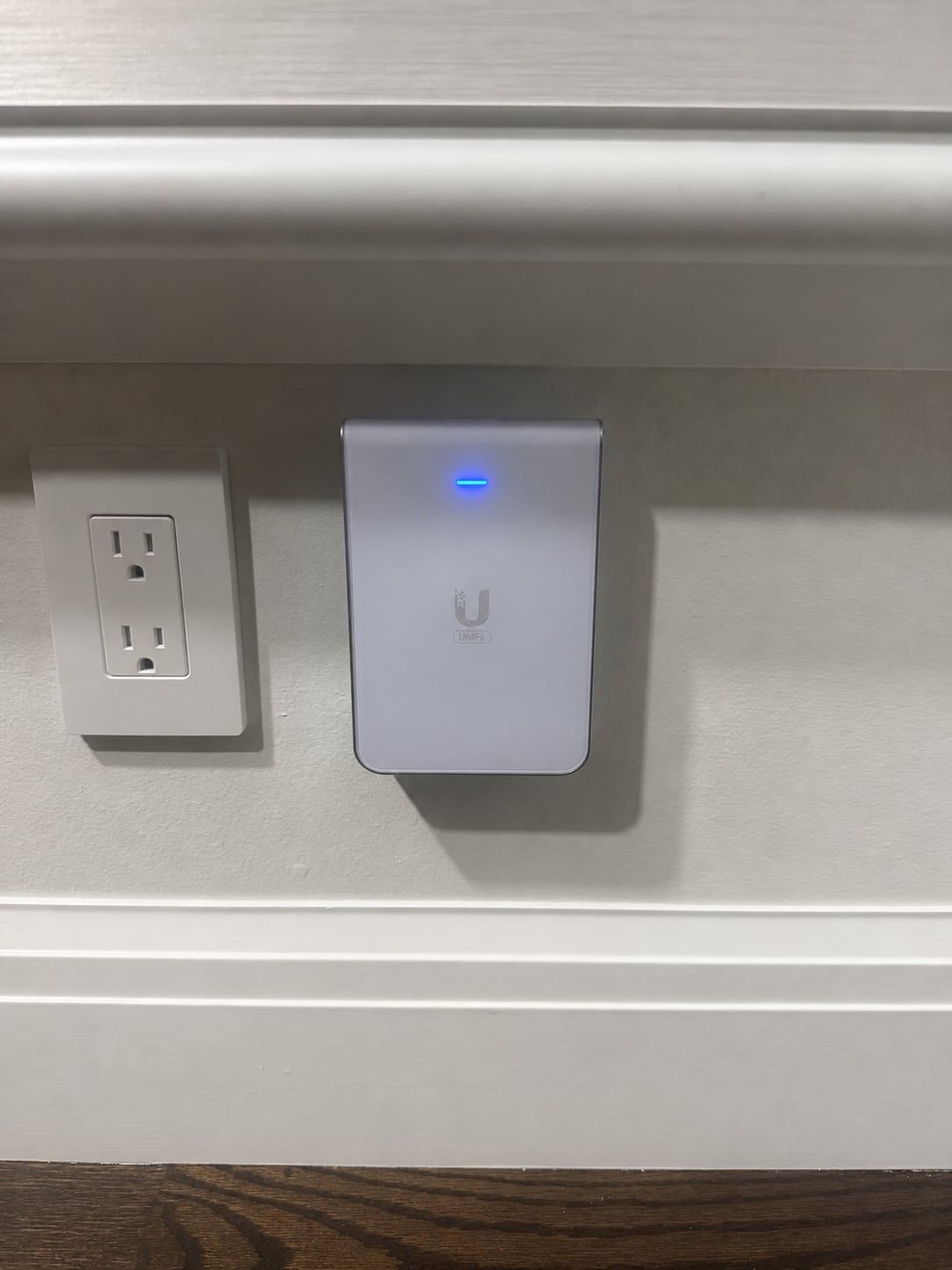
In-wall Wi-Fi access point
Stair lighting
Get a Quote

Step 1 of 4: Property

Is this for a home or a business?
What can we help with?

Pick everything you're interested in.

When do you want it done?
How can we reach you?

We'll call you to go over the job.

Questions? Call 248-602-0020