Business Wi-Fi vs home Wi-Fi
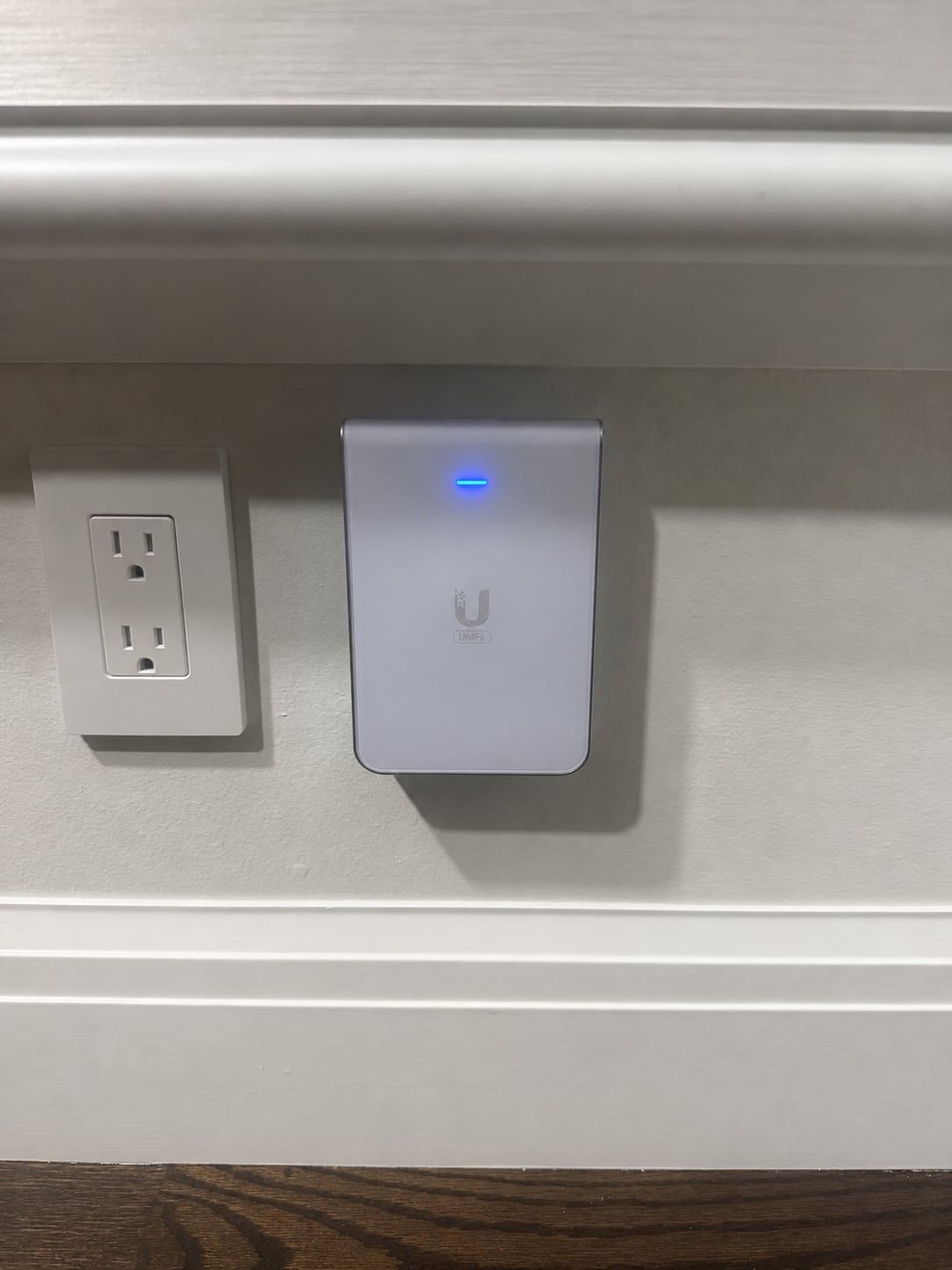
Home routers are built for a family, not a staff, a stockroom, and a lobby full of customers. Business Wi-Fi uses access points on the ceiling, all managed together, so they share the load, hand people off as they move, and can be checked and updated from one place. You can see what’s connected and spot a problem before staff start calling about it.
Where access points go
The number of access points depends on how many people and devices use them, not just the size of the space. Walls, metal shelving, coolers, and machinery all block signal, so a stockroom or warehouse often needs its own. We walk the space, mark each spot, and run a cable to every access point so each one gets a full-speed connection.
Separate networks
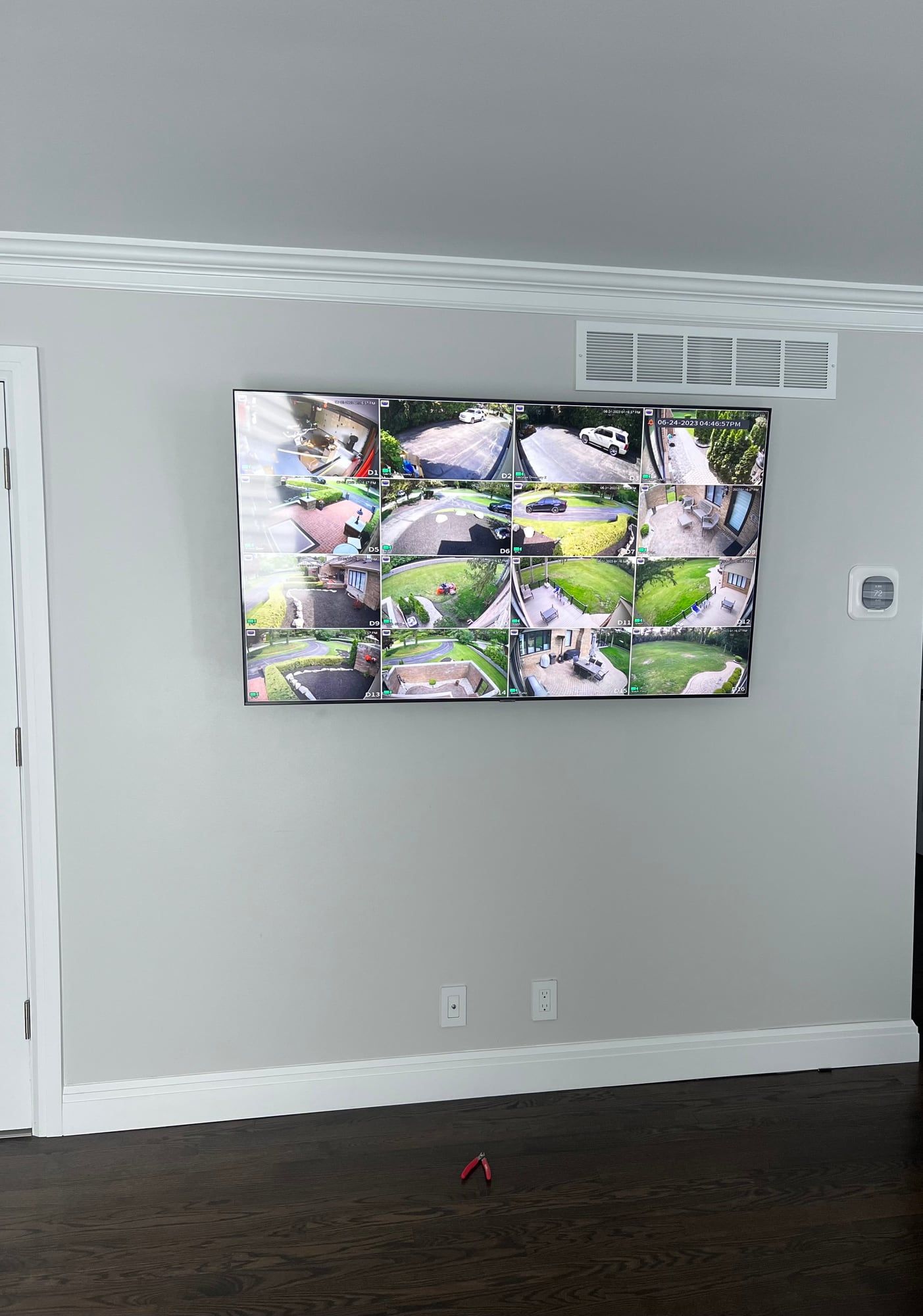
Staff, guests, card readers, cameras, and smart devices shouldn’t all share one network. We split them, so a customer on guest Wi-Fi can’t see your registers or office computers, and the cameras can’t slow down the point of sale. It’s set up once and runs on its own after that.
Guest Wi-Fi
Customers expect Wi-Fi, but it shouldn’t touch your business. Guest Wi-Fi runs on its own network with a speed limit, so a few people streaming can’t slow down your registers. It can show a simple sign-in page with your name and your terms, and the password can change as often as you like.
What should be wired
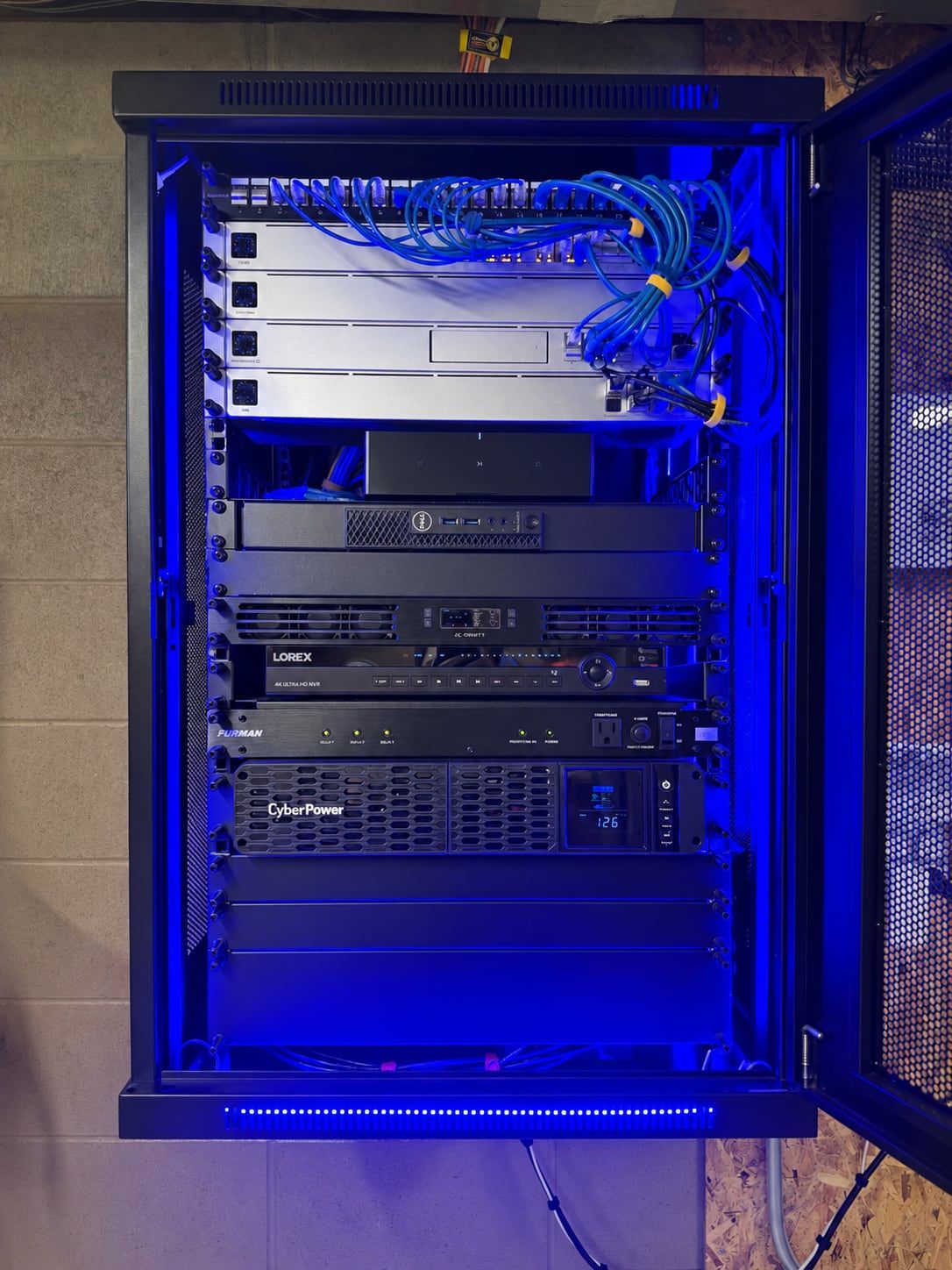
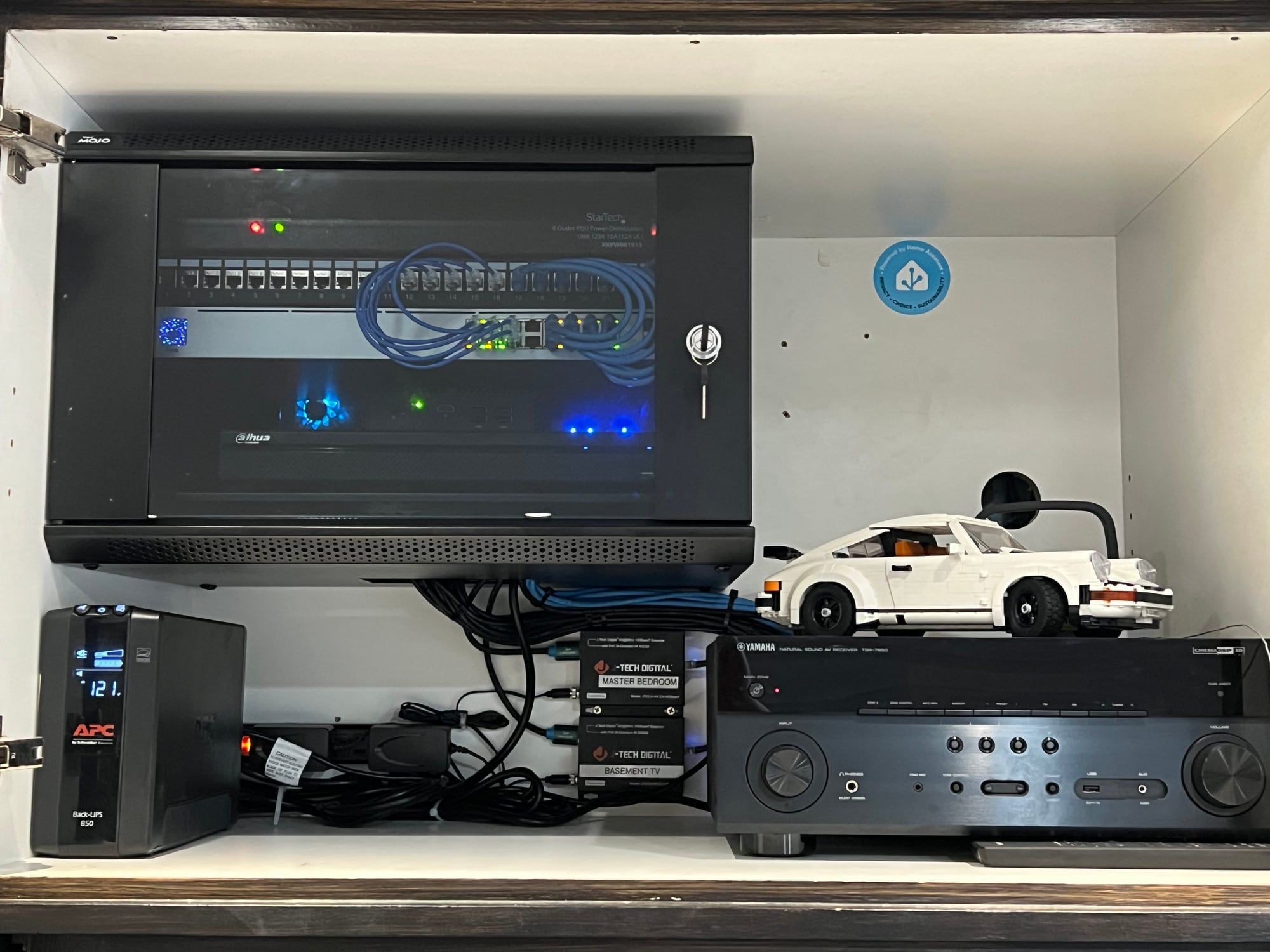
Registers, printers, desk computers, phones, cameras, and every access point should be on a cable. A wired connection doesn’t drop when the building is busy. Network switches can also send power down the same cable, which runs access points and cameras without an outlet next to each one.
Cell signal boosters
Steel, concrete, metal roofs, and coated glass keep cell signal out, so calls drop the minute people walk inside. A booster picks up the signal with an antenna on the outside of the building, strengthens it, and spreads it inside through antennas in the ceiling. It can only boost signal that reaches the building, so we test outside first and size the system to the space.
Replacing an old network
Business networks often grow one piece at a time: the provider’s box, a home router or two, a switch added when a new desk went in. Home equipment isn’t built for a full office of people and devices at once, and it usually can’t keep staff, guests, and card readers apart. With no record of what connects where, every problem takes longer to track down.
Signs it’s time: Wi-Fi that drops when the office is busy, card readers that freeze at checkout, or nobody knowing which box does what. Replacing it means one network planned for the whole building, with every device set back up on it.