Types of cameras
Bullet cameras are long and easy to see. They reach far, so they cover parking lots, fence lines, and the outside of the building, and people know they’re being recorded. Dome cameras sit flat on the ceiling behind a tough clear cover, which makes them hard to knock or tamper with. They’re the usual pick for sales floors, hallways, and entrances. Turret cameras have no cover over the lens, so night video stays clear, and they work well on walls and soffits.
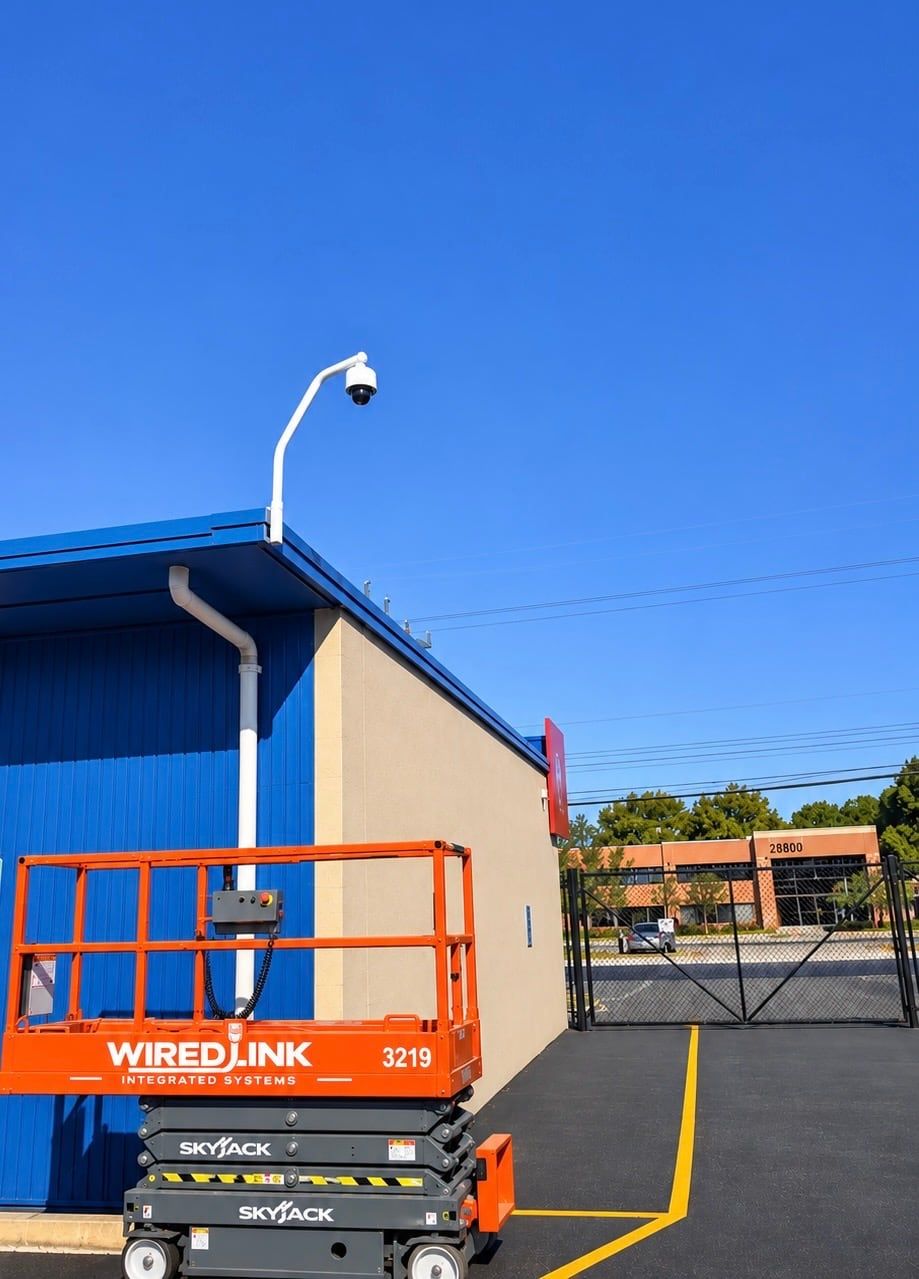
Two more are worth knowing about. A 360 camera mounts in the middle of a ceiling and sees the whole room at once, so one camera can cover a sales floor or a warehouse intersection. A PTZ camera can pan, tilt, and zoom from the app, which is useful on large lots, but it only records where it’s pointed, so it works best alongside fixed cameras.
Covering each part of the business
Each area needs a different view. At entrances, the camera sits at about head height and faces the door from inside, so it catches a clear face instead of the top of a hat. Over registers and counters, it looks down so you can see hands, cash, and the screen. In parking lots, one wide camera shows what happened while a tighter one on the entrance lane catches cars coming in. In warehouses and on docks, cameras look down the aisles and at each dock door, so you can see where a shipment went.
Why wired cameras
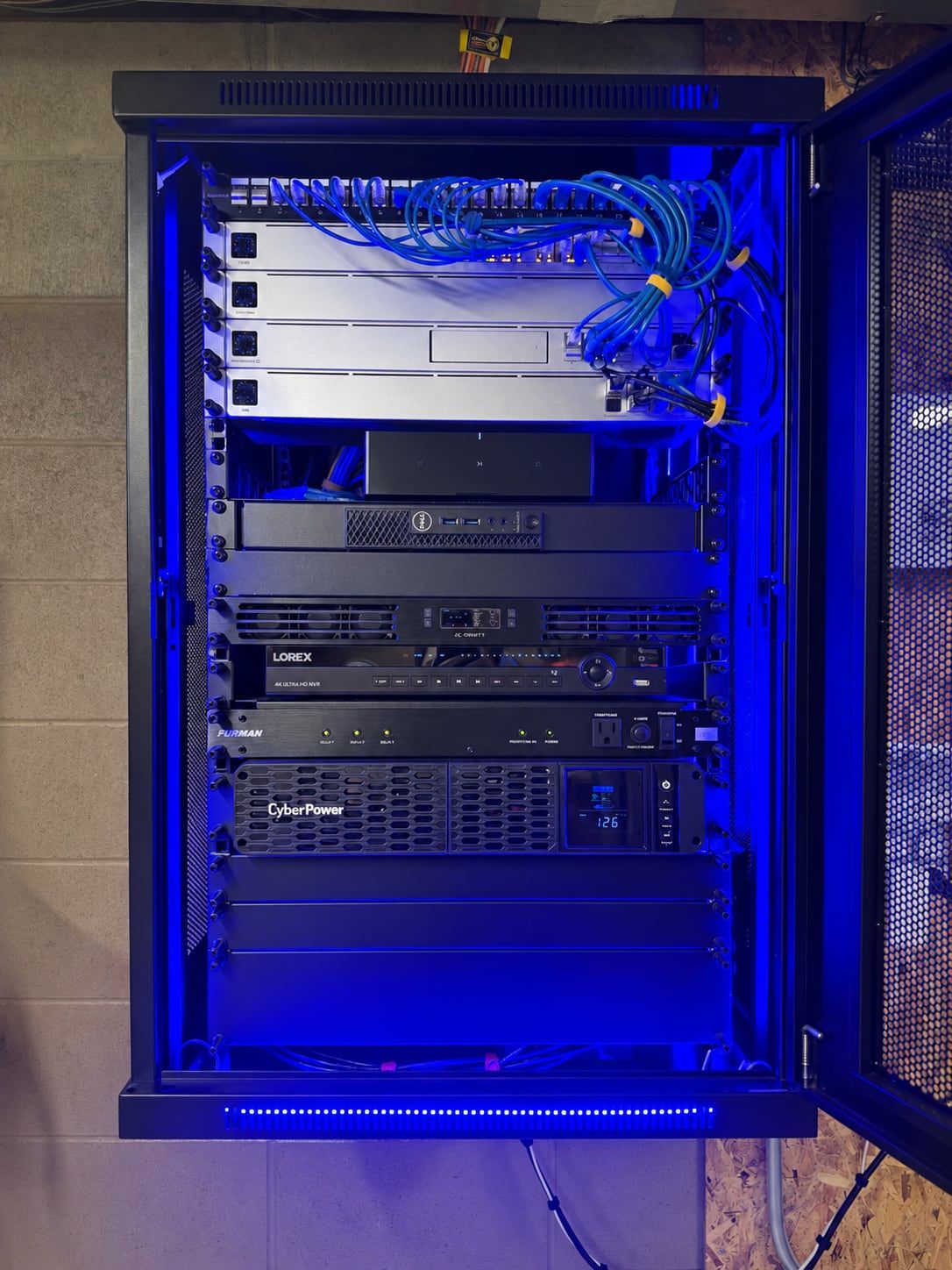
Every camera gets one cable that carries both power and video back to the recorder. There are no batteries to change, nothing drops off when the Wi-Fi is busy, and the system records around the clock instead of short motion clips. The recorder and network gear can also go on a battery backup, so short power blips don’t leave gaps in the video.
Picture quality and night video
Sharper cameras let you zoom further into a face or a plate before the picture breaks up, but they need more light at night and more recorder space. We match each camera to what it needs to catch and how far away it is. For night video, infrared cameras see in total darkness in black and white, while color night cameras keep the picture in color where there’s some light, like a lit lot or entrance. Most businesses use both.
How long to keep video
How many days of video you keep comes down to how many cameras you have, how sharp they are, and the size of the recorder. Many businesses want a few weeks so there’s time to notice a problem before the video is gone. Some insurers or industries ask for a set number of days, so it’s worth checking yours. We size the recorder to the number you need.
Remote viewing and who sees what
Owners and managers can watch live or play back video from a phone or computer. Each person gets their own login, so a store manager can see their store while the owner sees every location in one app. When something happens, you can save a clip and hand it to police or your insurance company in a few minutes.
Replacing an old system
Older business systems tend to fail the same way. The video is too soft to identify anyone, a few cameras have quietly gone dark, and the recorder only holds a few days, so by the time you go looking for something it has already been recorded over.
Many older systems also use a different kind of cable than today’s cameras, which is why a real upgrade usually means new cable as well as new cameras. Mixing new cameras into an old recorder rarely works. When it’s time, we take the old system down and install a new one.